
Builders
Shape Zinier around the way you work
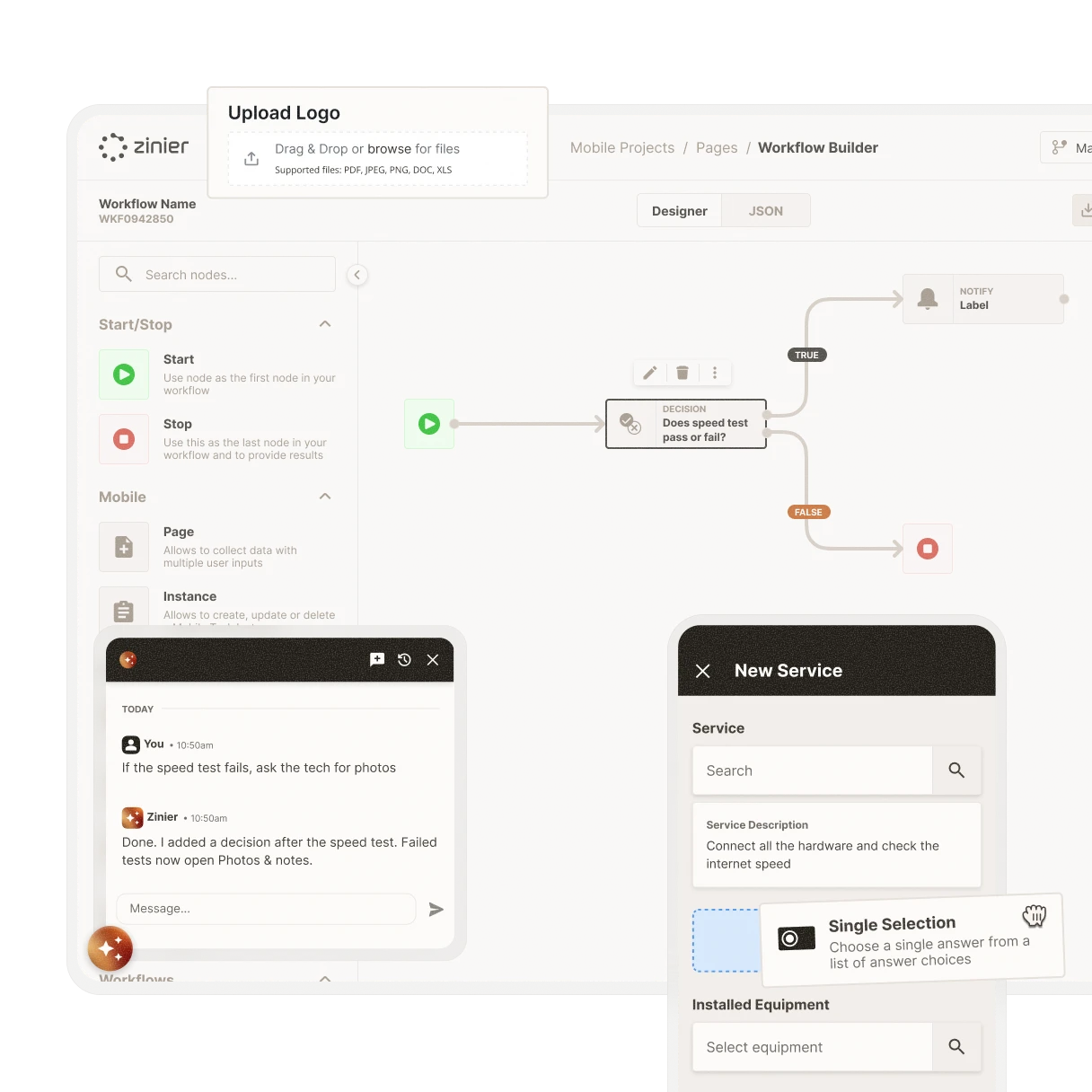
Studio's drag-and-drop builders and conversational AI let you configure any part of Zinier FSM without writing code. Adapt an industry template or start from scratch, and keep making changes as your business evolves, without waiting on a development team.



No-code interface
Work the way that suits you
Drag and drop in the low-code visual interface, or tell the conversational AI what you need and let it make changes for you. From operations managers to technical teams, everyone can contribute using an interface that fits their role.
Task builder
Build guided workflows for every job
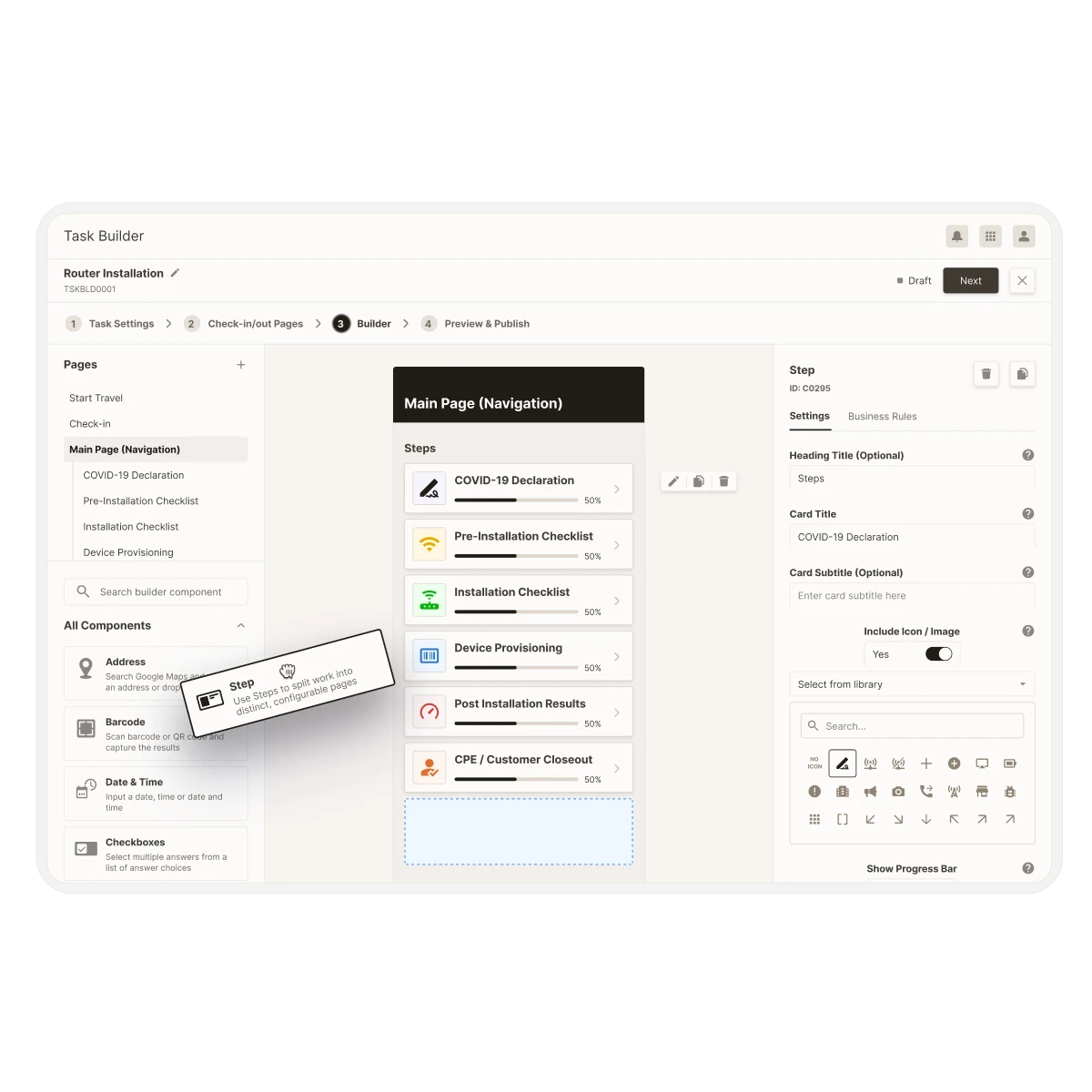
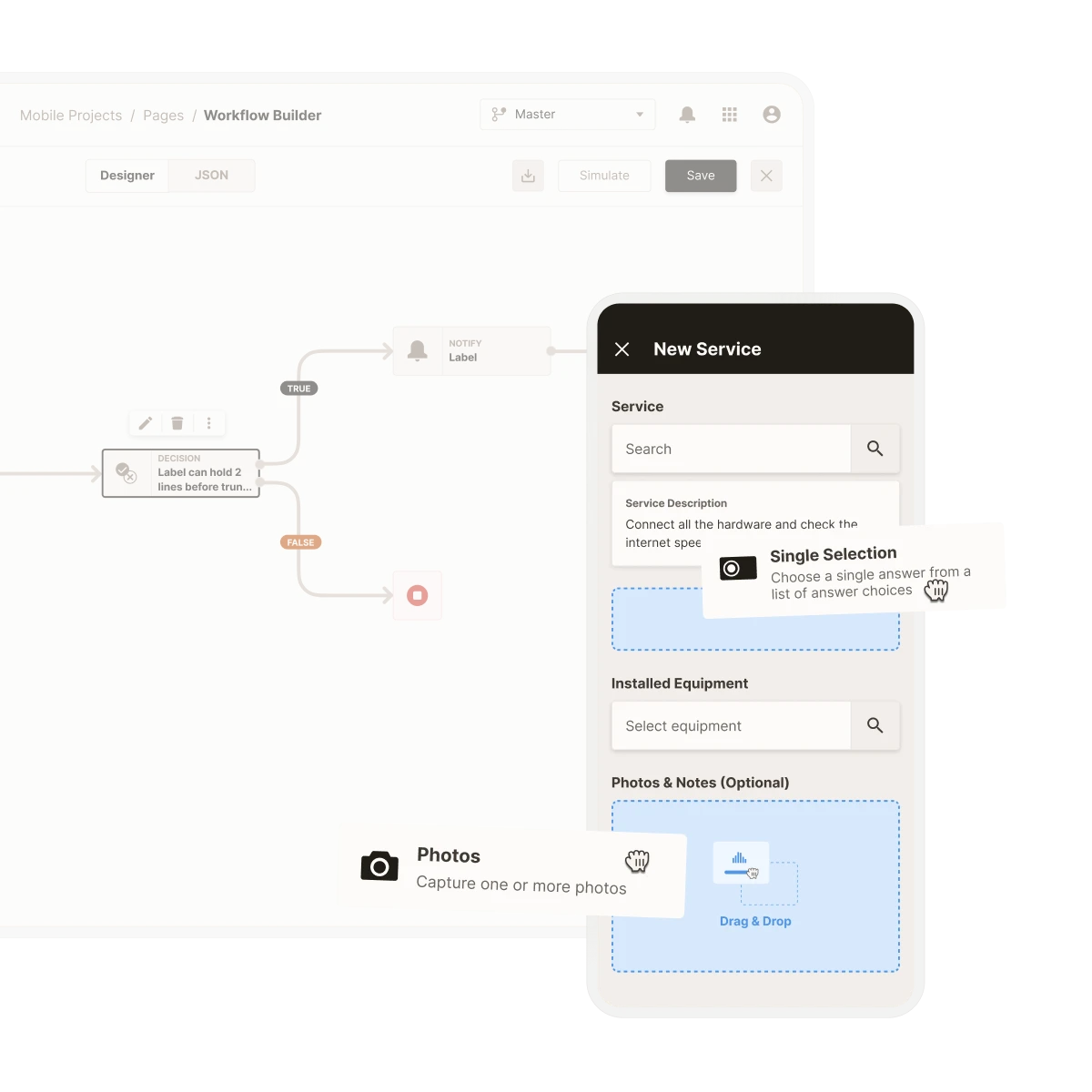
Design the workflows your technicians and back office staff follow, using forms, checklists and conditional logic in a visual interface. Guide users through every step so jobs are done right the first time and recorded correctly.
Module builder
Add new modules as your business grows
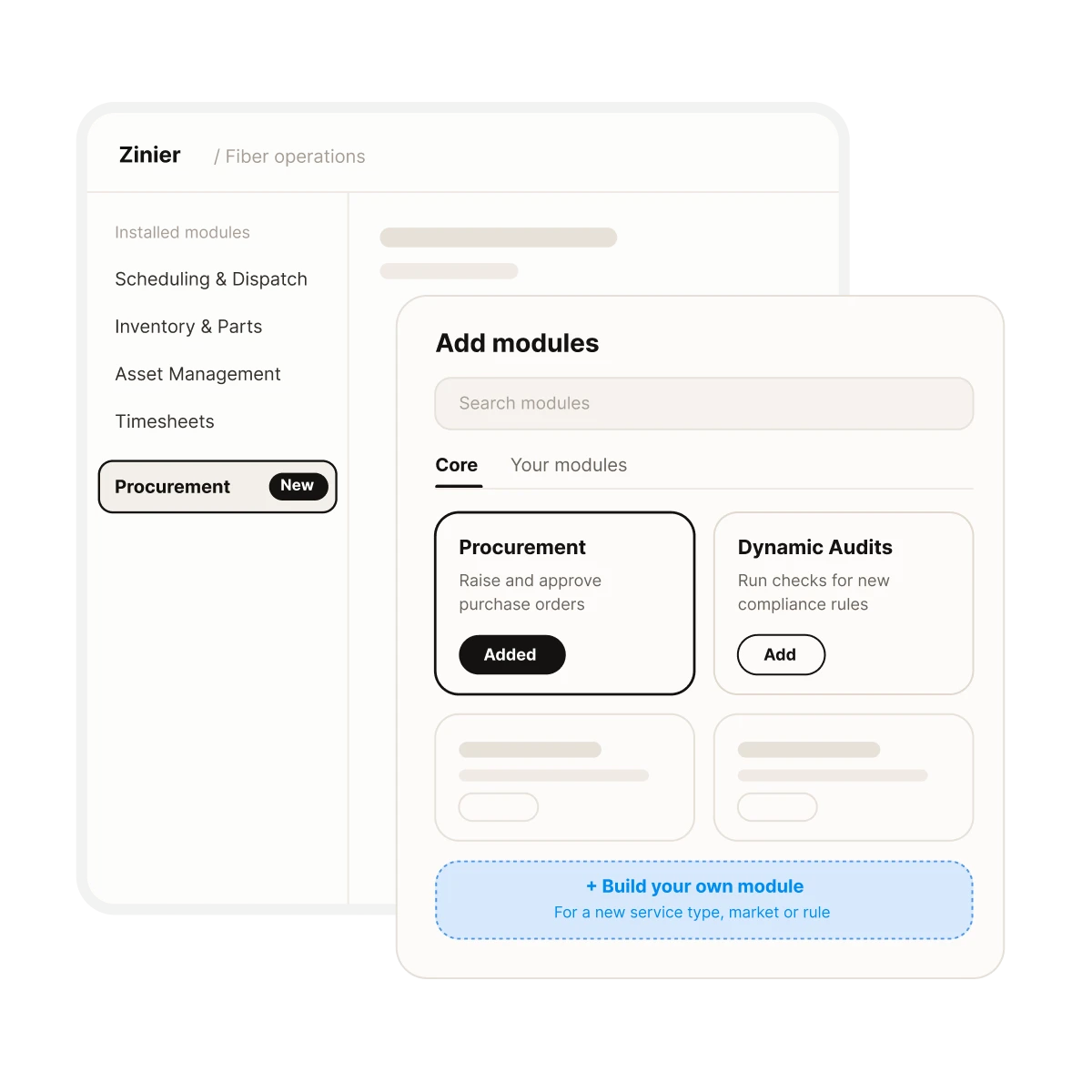
Adapt and configure any of the modules included in Core or build and launch your own modules to support changing business processes, whether that's a new service type, a new market or a new compliance requirement.
Automation builder
Set the rules that run your operation
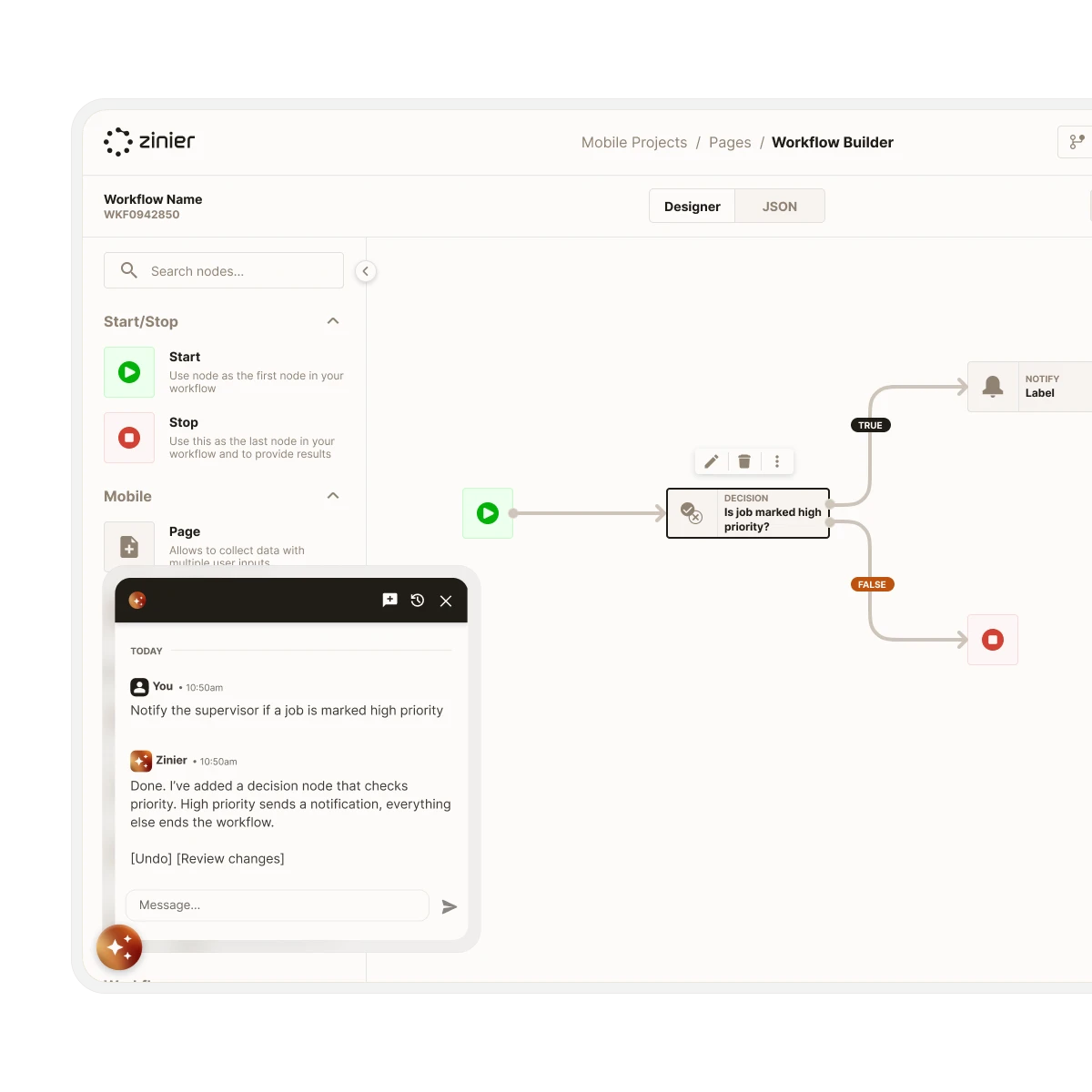
Define the logic rules that act on your data automatically, from routing and assignment to escalation. Describe a rule in plain English or build it visually, and update it whenever your priorities change.
Integration builder
Connect Zinier to external systems
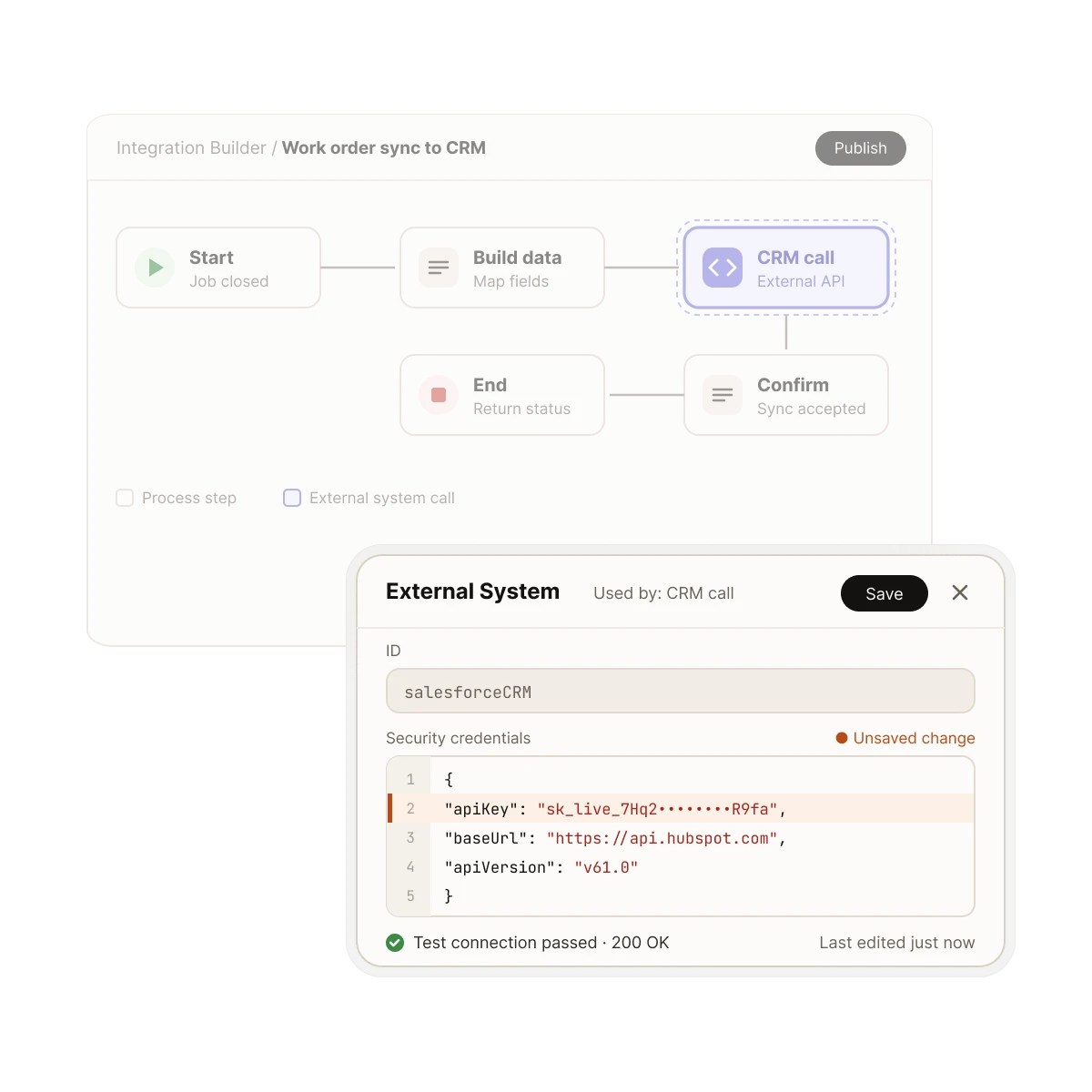
Create and configure new integrations or adapt existing ones as your workflows change. Zinier's API-first, event-driven architecture keeps data moving between your field operation and your other business systems as your tech stack evolves.
A platform that evolves with your business.
So you can field anything.




FAQs