Studio
A platform that evolves with your business.
Zinier FSM’s intuitive AI-guided visual interface empowers more team members to optimize, adapt, and configure any part of the platform as your operation evolves, without advanced coding skills.




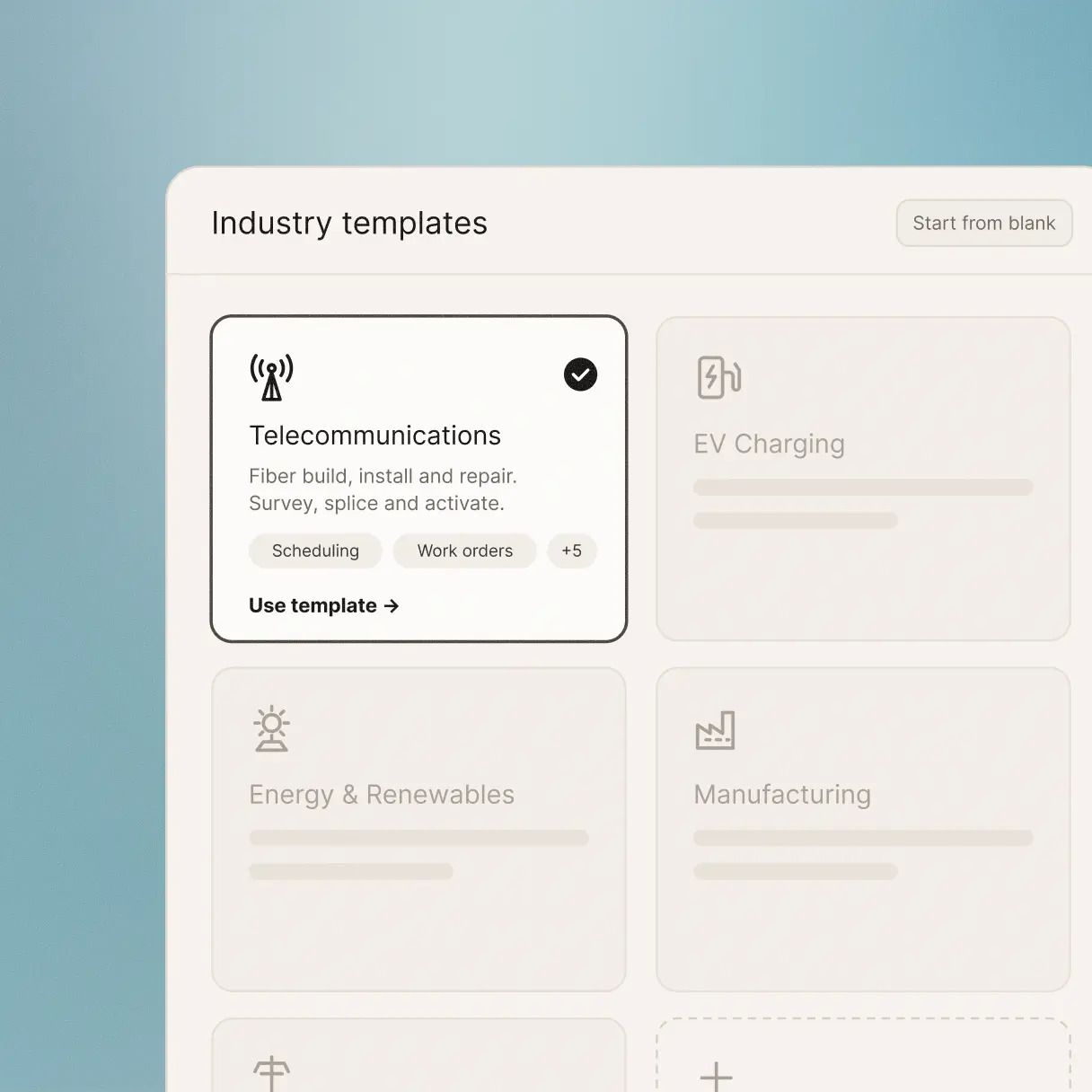
Start from best practice. Make it your own.
Start from proven field service best practice. Industry-specific templates give you a working solution from the outset, built around the demands of your sector, so your teams are up and running in weeks rather than months.
If you can describe it, you can build it.
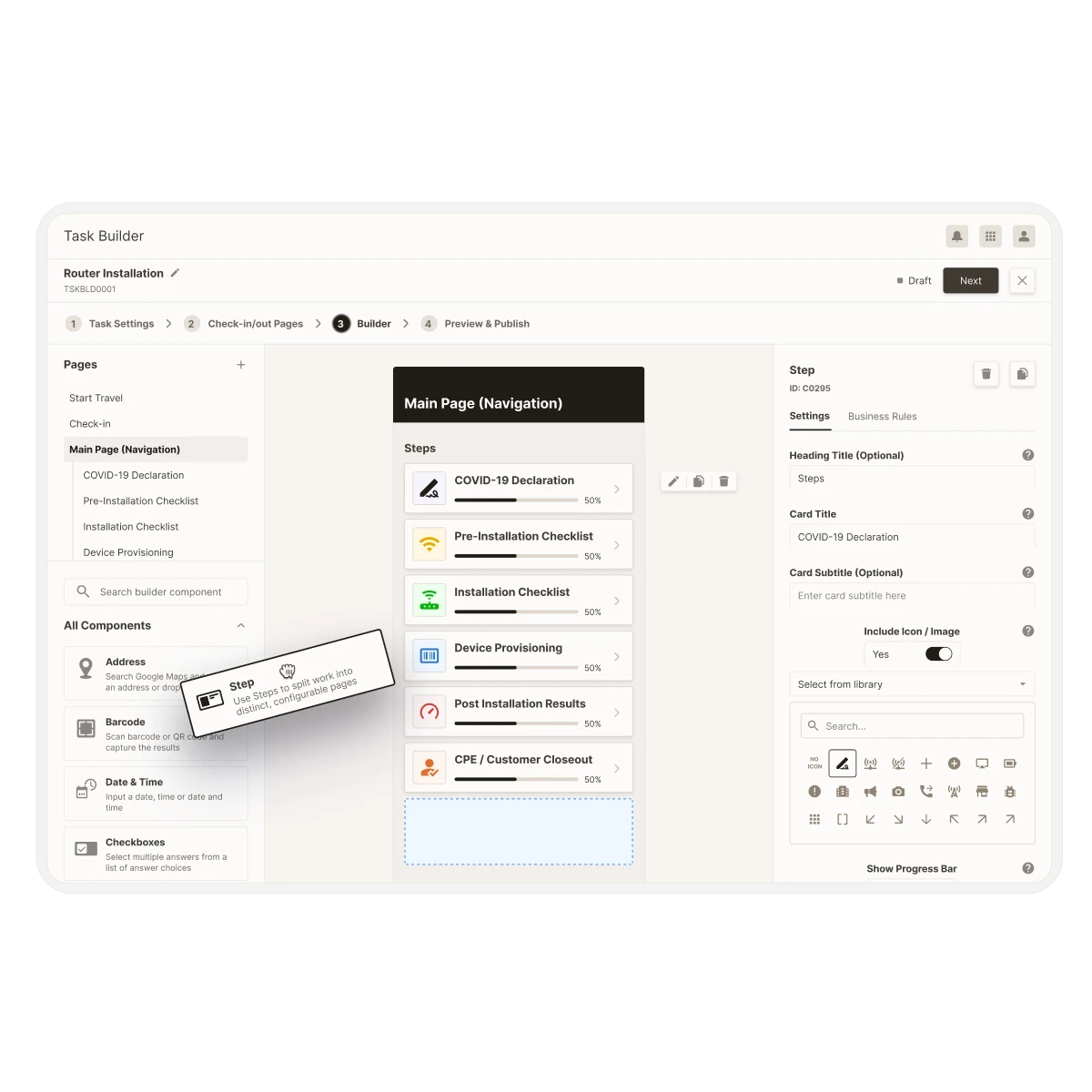
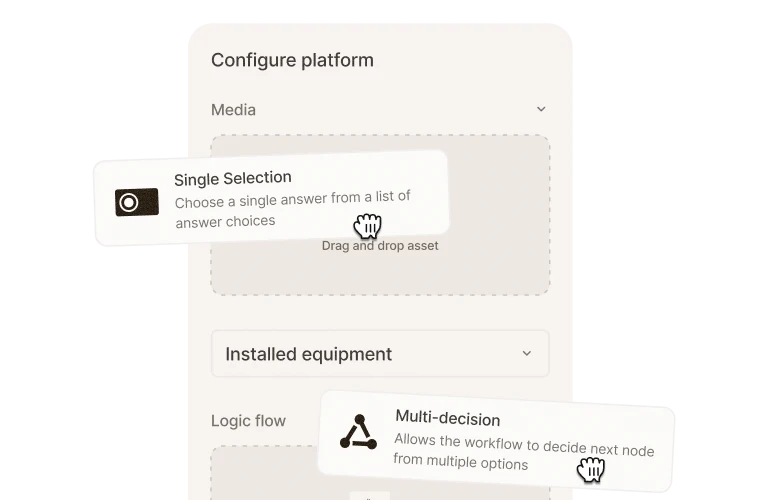
Zinier FSM lets you create and adapt workflows to configure your solution to your exact needs. Any module, any rule, any integration, any interface, can be designed, built and launched in a drag-and-drop interface assisted by conversational AI.
Create and deploy guided mobile workflows, leveraging forms, checklists, and conditional logic using an intuitive visual interface with AI support.
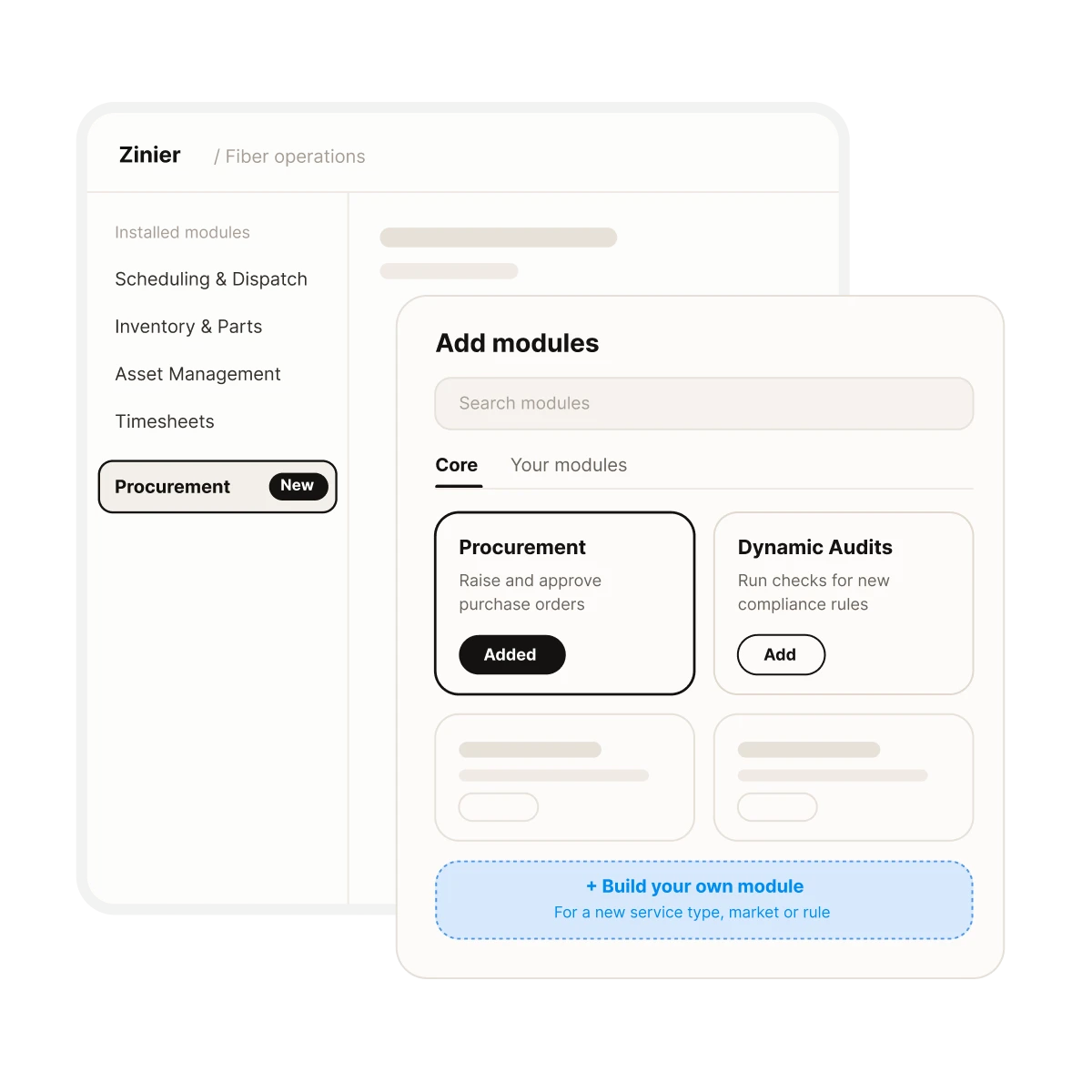
Build and deploy new modules to support any business process: new service types, new markets, new compliance requirements, as they emerge.
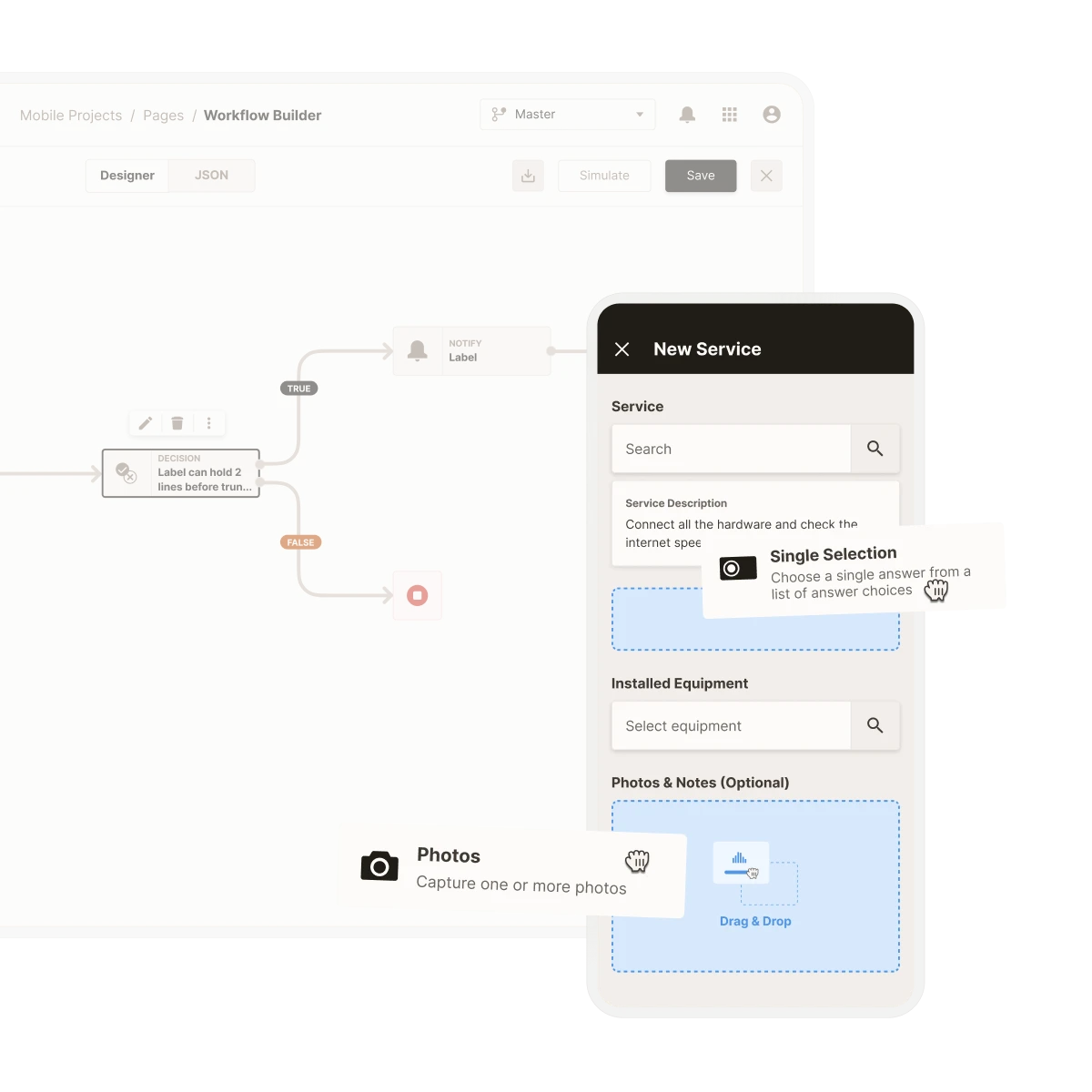
Define intelligent logic rules that act on your data routing, escalation, assignment logic, and more without engineering involvement.
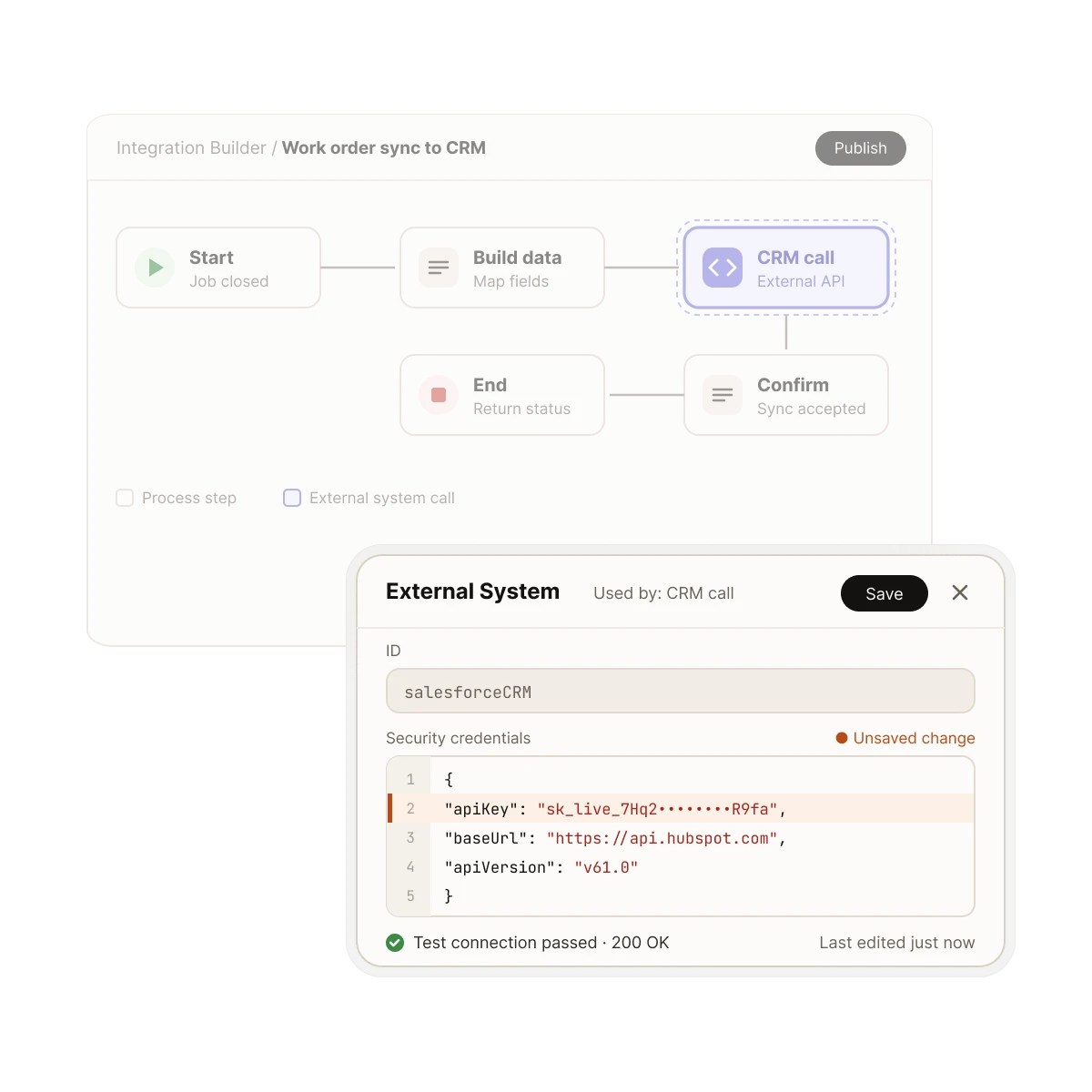
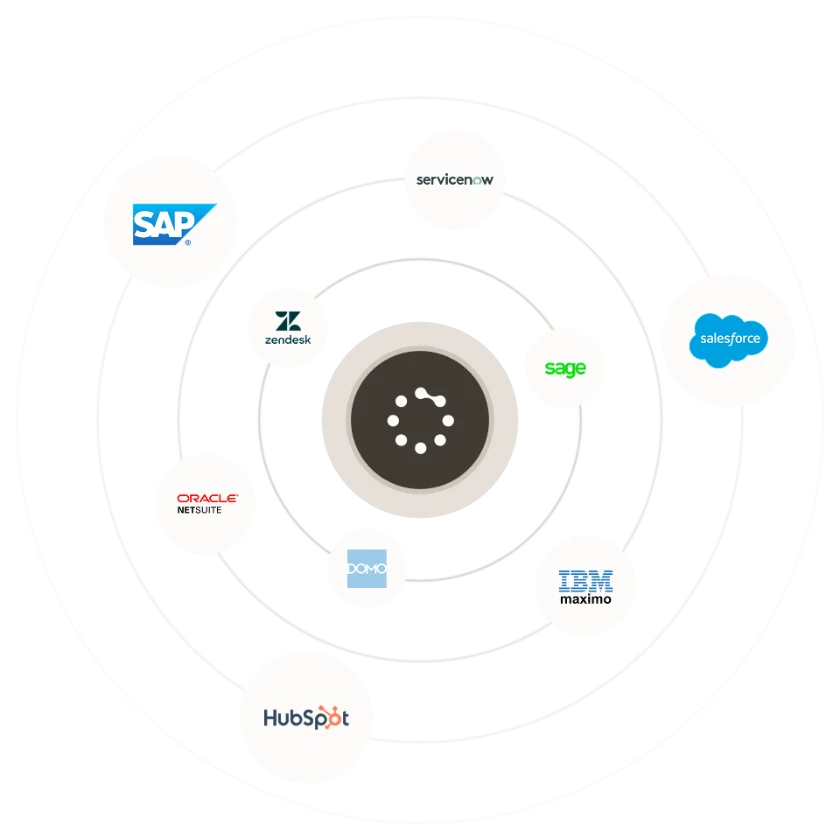
Zinier FSM is built from the ground up to connect seamlessly with any external system. Build new integrations or adapt existing ones as your workflows evolve, with an API-first, event-driven architecture that keeps data flowing in real time, no matter how your stack changes.
One platform, three layers
Zinier FSM is based on three interconnected layers. Each layer adds distinct value, and together they form a cycle of improvement that delivers compounding benefits over time.
You are here
Go to
Core

Core
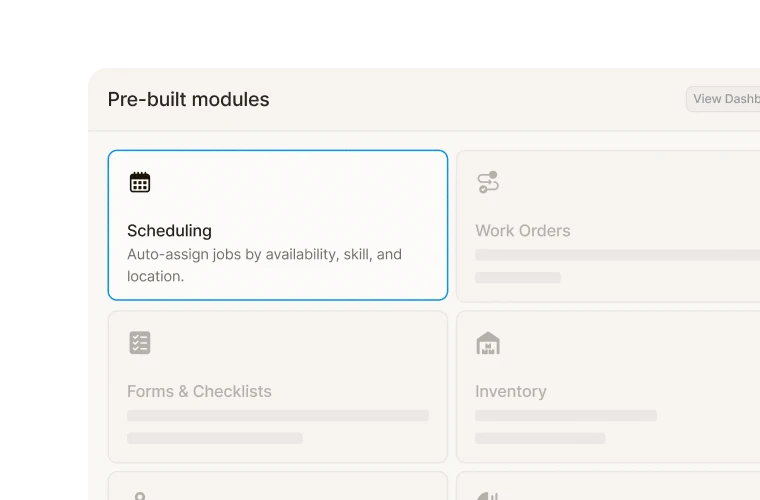
Pre-built workflows, modules, and integrations form a digital model of your operations that delivers value from day one.
You are here
Go to
Intelligence

Intelligence
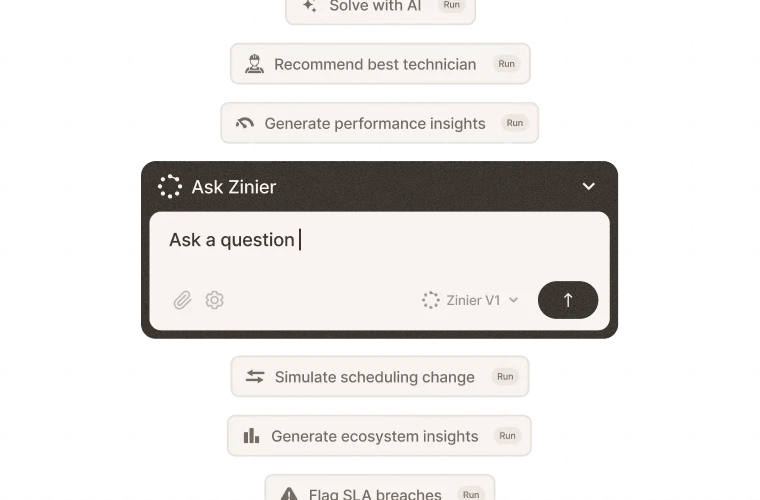
Adaptive AI monitors your operations to answer queries, surface insights and simulate how changes impact KPIs.
You are here
Go to
Studio

Studio
Optimize, adapt, and configure any part of the platform with a drag-and-drop interface guided by conversational AI.
Adapt and evolve workflows in hours, not months. So you can field anything.
Get a field service management platform that evolves as you do.



FAQs
Frequently asked questions
It depends on the workflow. Simple changes, like editing a form or adding a checklist step, can be made and published quickly in Studio within minutes. Larger workflows that involve integrations or new approval rules take longer to plan and test. Because Studio doesn't require custom code, time to value is shorter than a traditional build.
The Integrations builder is part of the Studio layer. It lets teams connect Zinier FSM to CRM, ERP, billing, and other systems, acting as a low-code integration platform to keep your platform and stack aligned. Users create and configure integrations through a visual interface, guided by conversational AI, to define what data moves between systems, in which direction, and when it syncs.
Yes, through the Builders available in the Studio layer. The Task builder lets users define the steps, fields, and checks a technician completes on a job. The Solution builder lets them build custom web and mobile solutions to solve specific field execution challenges. Business users can also create and adapt integrations and configurable AI automations without writing a line of code.
For most configurations, no. Studio lets business and operations users build tasks, workflows, and forms through visual drag-and-drop builders, guided by conversational AI. It also works as a low-code development platform, so IT teams can take on more complex work, such as custom integrations, with less need for coding skills than a traditional build.
Zinier Studio is the no-code configuration layer of the Zinier platform, empowering teams to optimize, adapt, and configure tasks, modules, integrations, and automations. Templates provide a starting point built on proven field service best practices. Builders allow teams to adapt templates or start from a blank page if they prefer. Conversational AI guides users through each stage of the process. The Studio layer ensures Zinier FSM keeps pace with your operational reality, as new processes, workflows, technologies, or compliance requirements emerge.