
Remote Assistant
Real-time expert help for technicians
Connect your technicians with remote experts to quickly overcome challenges in the field.



Remote Assistant
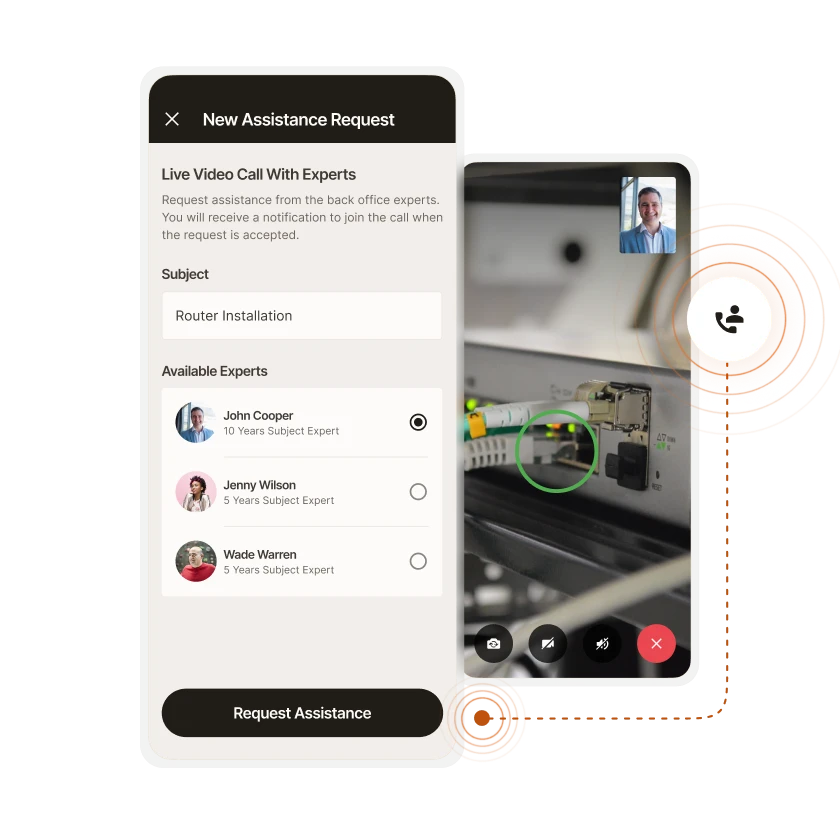
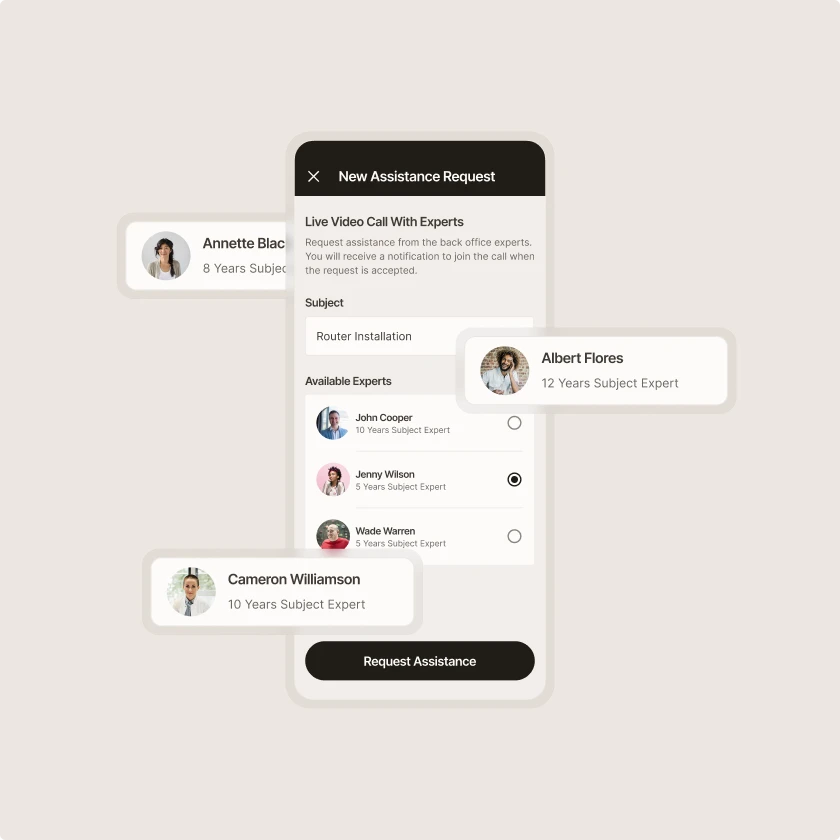
Request help from subject matter experts
From the Remote Assistant, or within the context of a task, technicians can request assistance from a pre-defined group of experts.
Remote Assistant
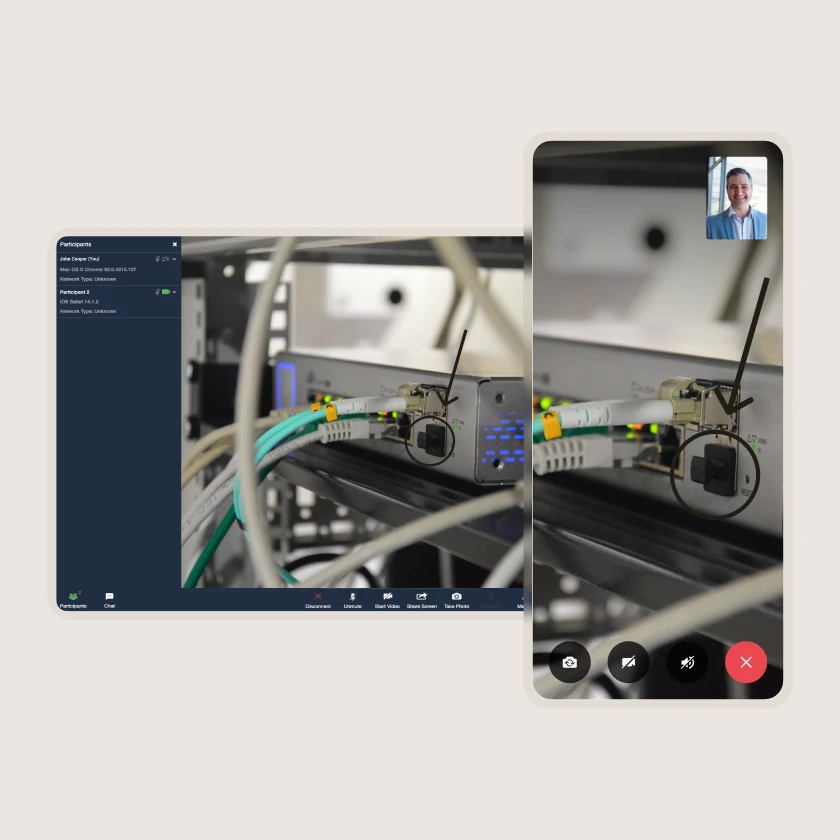
Web and mobile screen sharing & annotation
To communicate their issues and facilitate in-field problem solving, technicians can share their mobile or tablet screen with remote experts, and jointly annotate and mark up the screen as part of the problem-solving session.
Remote Assistant
Save chat, screenshots and images to the session log
Participants can chat, share photos and take screen captures during the session. Once the session closes, the chat and image data is automatically stored as part of the session log.

Zinier comparison
Most FSM software was built for a world where change was slow.
Zinier FSM thrives on change. Adapting to the way you work today and evolving to meet the challenges you’ll face tomorrow. Your operations, your rules.
Zinier FSM platform | Most field service software | |
Configuration | Operations teams configure, no code, no delay. | IT or consultants required for every change. |
Deployment | Live in weeks. Continuous improvement built in. | 12–24 months. Long upgrade cycles. |
AI capability | Configurable AI baked in, understands FSM. | Generic AI bolted on, not field-specific. |
Adaptability | Low-code/no-code. Evolves as your business does. | Rigid. Change means cost, delay and disruption. |
Integration | Low-code/no-code. Evolves as your business does. | Rigid. Change means cost, delay and disruption. |
Contractor management | Full governance and control at scale. | Manual coordination. Limited visibility. |
Mobile experience | Mobile-first. Guided workflows, real-time data. | Basic apps. Poor offline capability. |
Scalability | Cloud-native. Scales without replatforming. | Replatforming required as you grow. |



Tomorrow won't look like today
Get a field service management platform that evolves as you do.
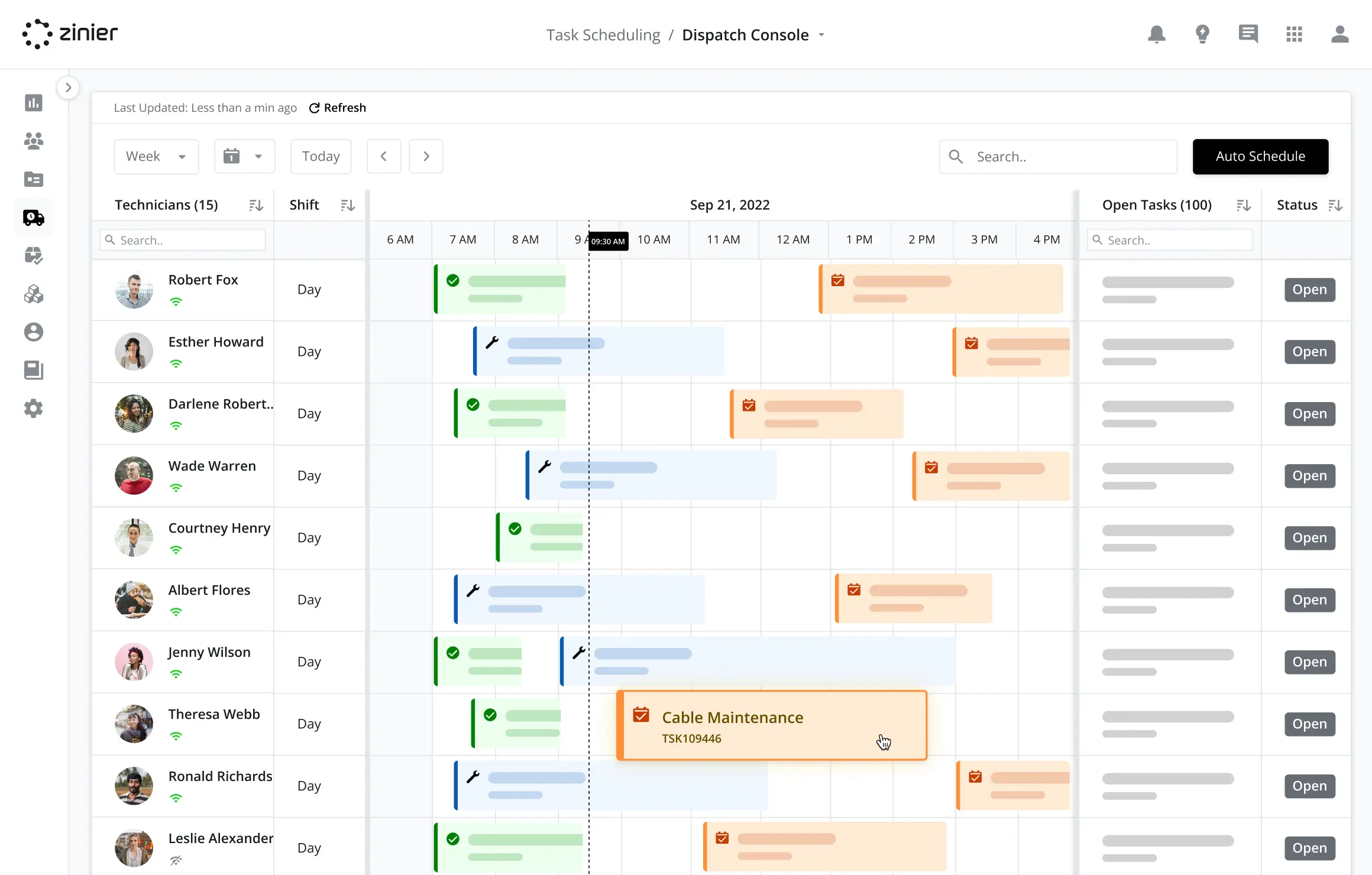



Explore other Core modules


FAQs
Frequently asked questions
When Remote Assist resolves an issue, the job can be closed without scheduling another visit. When it doesn't, the expert's diagnosis goes into the follow-up work order, so scheduling and dispatch teams can send the right technician with the right parts. That link between the two modules helps minimize repeat visits.
Yes. Remote Assist sessions use live video, so the expert sees what the technician sees. The expert can add annotations to the view or to the technician’s shared mobile or tablet screen to point out a component, highlight an issue or show the next step.
Some problems can be solved by guiding a customer or on-site staff through the fix. Others need a more experienced technician's input on the first visit, avoiding a second one. In Zinier FSM, Remote Assist handles both, helping reduce truck rolls and travel time by avoiding repeat visits and sending specialists only when needed.
Remote assist connects an on-site technician with an expert elsewhere. It's a form of remote service that shares specialist knowledge across a large workforce. In Zinier FSM, a technician can request help directly from the site, connecting to a subject matter expert through the Remote Assist module to share their screen, video feed and annotated images to diagnose and solve complex issues.