Customer Portal
Make the appointment booking experience your own
Configure the customer portal to meet your specific business needs, with custom branding, control over notifications and more.
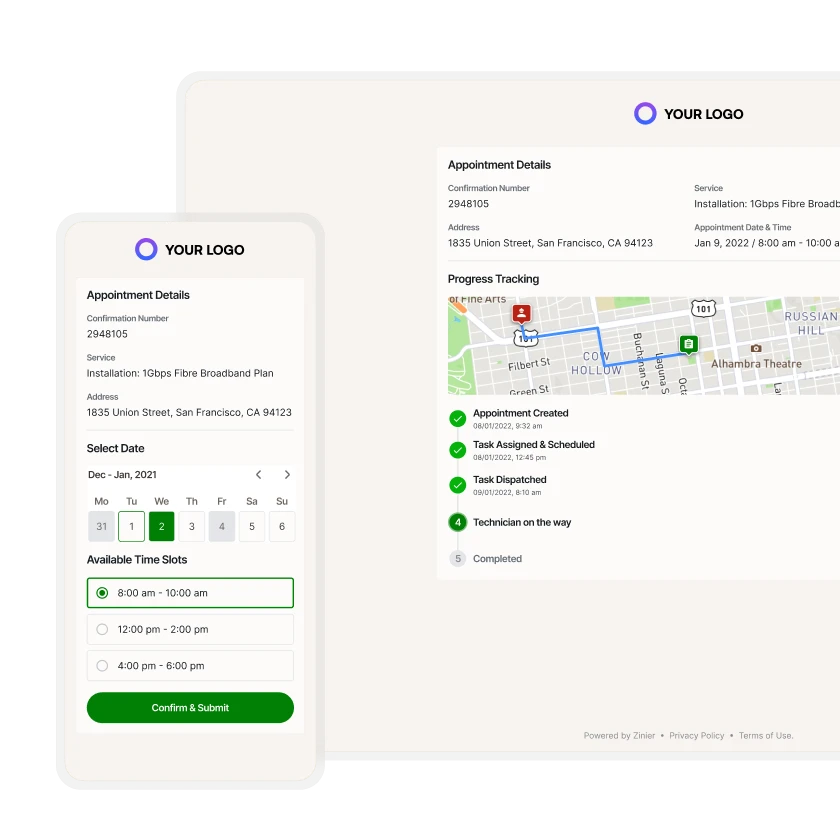



Customer Portal
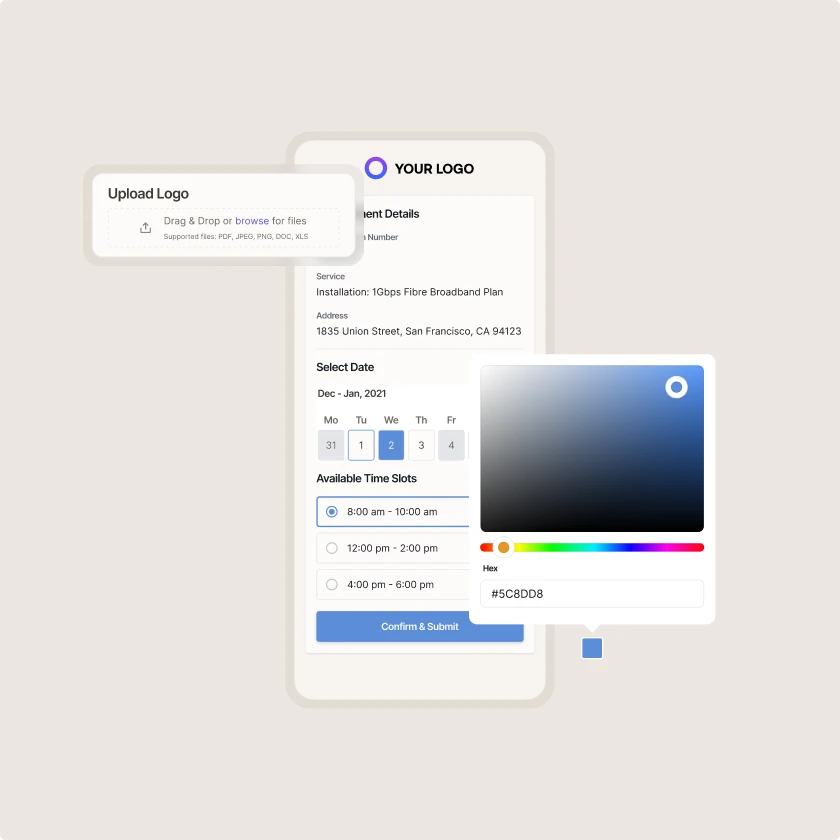
Custom branding
Easily customize the color scheme and include your logo to meet your company’s branding guidelines.
Customer Portal
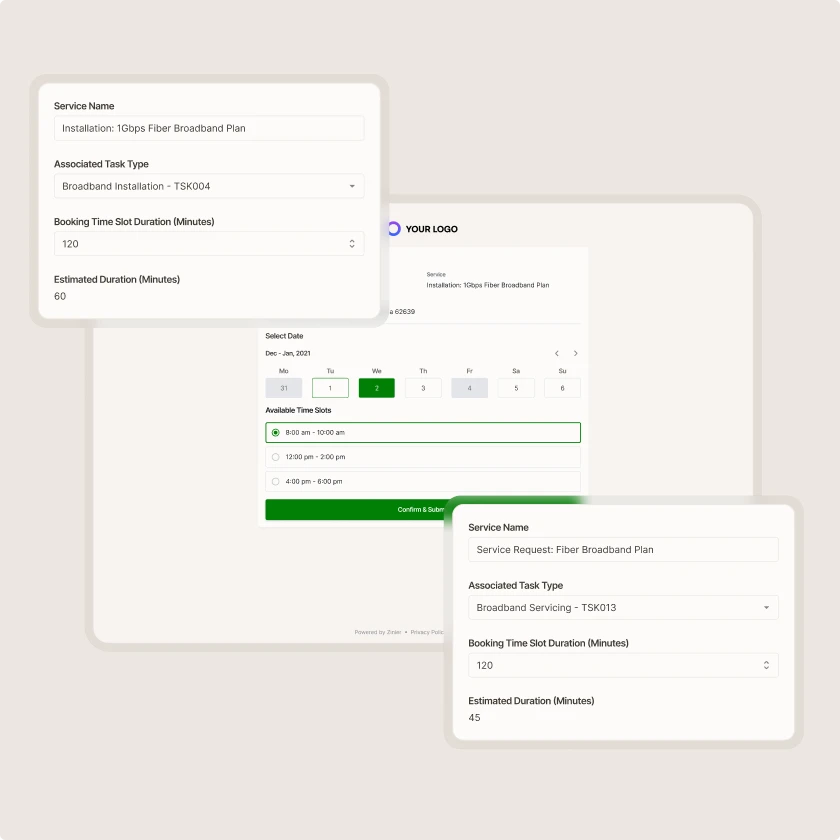
Configurable appointment scheduler
Cater the booking workflow to your unique business needs. Configure which types of tasks to display in the portal and leverage our scheduling engine to provide the available appointment windows to end-customers.
Customer Portal
Integrate with existing services
Use as-is or integrate with an appointment management service you already use.
Zinier comparison
Most FSM software was built for a world where change was slow.
Zinier FSM thrives on change. Adapting to the way you work today and evolving to meet the challenges you’ll face tomorrow. Your operations, your rules.
Zinier FSM platform | Most field service software | |
Configuration | Operations teams configure, no code, no delay. | IT or consultants required for every change. |
Deployment | Live in weeks. Continuous improvement built in. | 12–24 months. Long upgrade cycles. |
AI capability | Configurable AI baked in, understands FSM. | Generic AI bolted on, not field-specific. |
Adaptability | Low-code/no-code. Evolves as your business does. | Rigid. Change means cost, delay and disruption. |
Integration | Low-code/no-code. Evolves as your business does. | Rigid. Change means cost, delay and disruption. |
Contractor management | Full governance and control at scale. | Manual coordination. Limited visibility. |
Mobile experience | Mobile-first. Guided workflows, real-time data. | Basic apps. Poor offline capability. |
Scalability | Cloud-native. Scales without replatforming. | Replatforming required as you grow. |



Tomorrow won't look like today
Get a field service management platform that evolves as you do.



Explore other Core modules


FAQs
Frequently asked questions
Yes, it can significantly reduce routine calls. When customers have a direct channel to complete tasks such as checking when a technician will arrive or booking a maintenance visit, and can see real-time updates on arrival times and job status, they have less need to call or email a service desk or contact center.
Yes. Customers can use the portal for self-service booking and choose from available appointment slots. They can also reschedule or cancel within the rules you set. Available slots come from Zinier FSM's scheduling, so bookings reflect real technician availability rather than a theoretical calendar.
In Zinier FSM's customer self-service portal, customers can raise service requests, book and manage appointments, and track job status. They can also view service history for their sites or equipment and see documents such as completed reports. The exact actions customers can take, and the information they can see, are fully configurable.
A customer portal is a website or app where customers can manage their own service requests. Instead of calling a contact center, they log in to raise issues, book visits, and check job progress. In field service, a customer portal gives customers direct access to the same job information your team sees, within limits you set.