Parts & Inventory
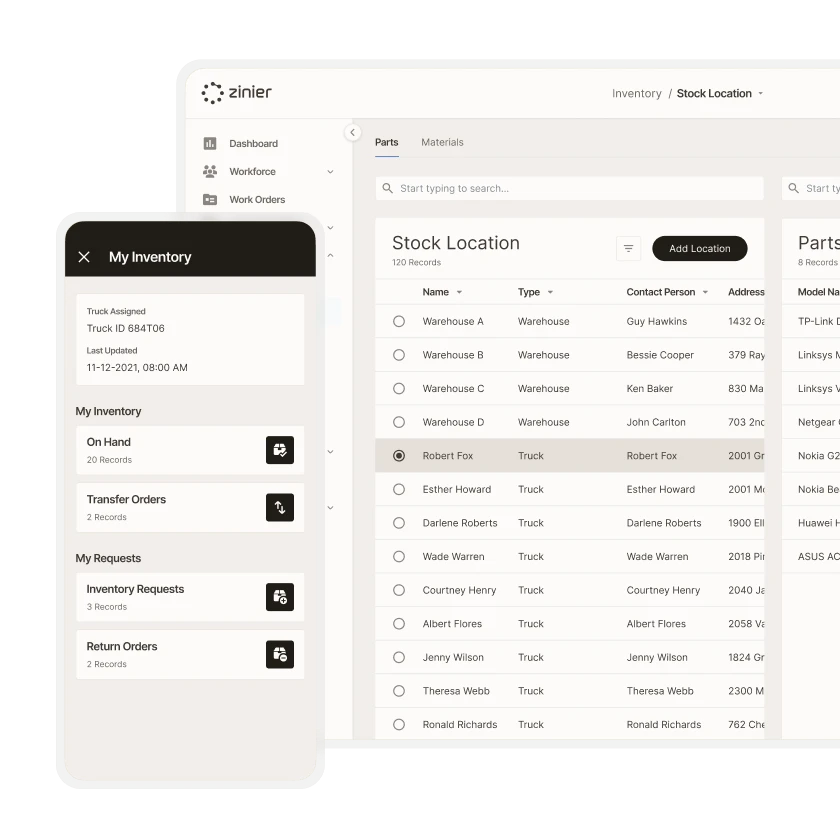
Track inventory from the warehouse to the field
Make sure your technicians have the parts and materials they need to complete their tasks on the first visit.



Parts & Inventory
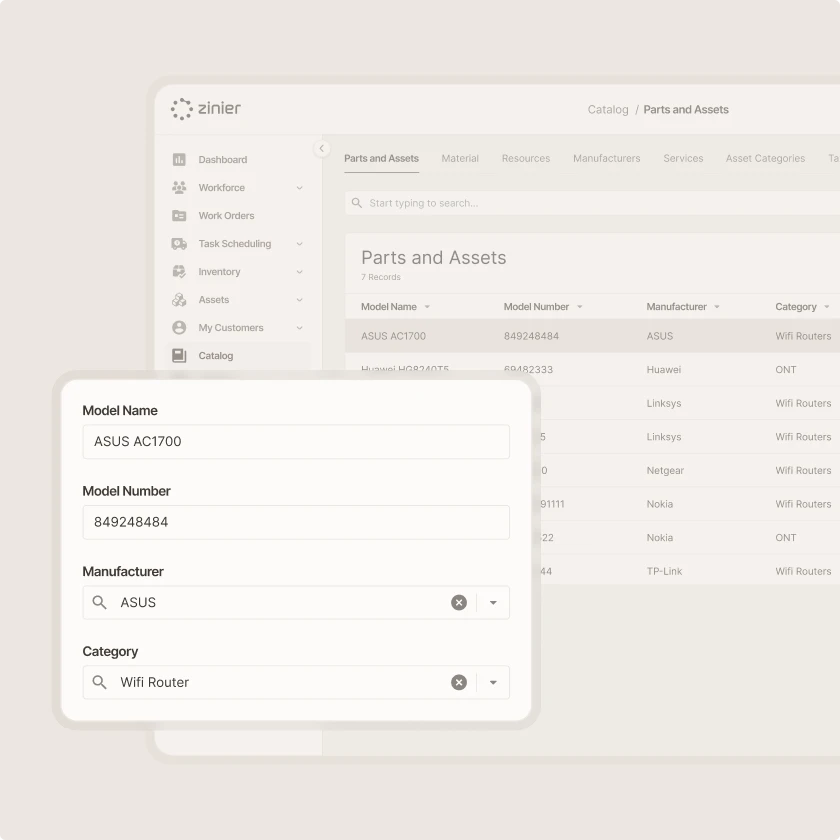
Manage parts catalogs
Capture all the parts & materials information needed to create new inventory.
Parts & Inventory
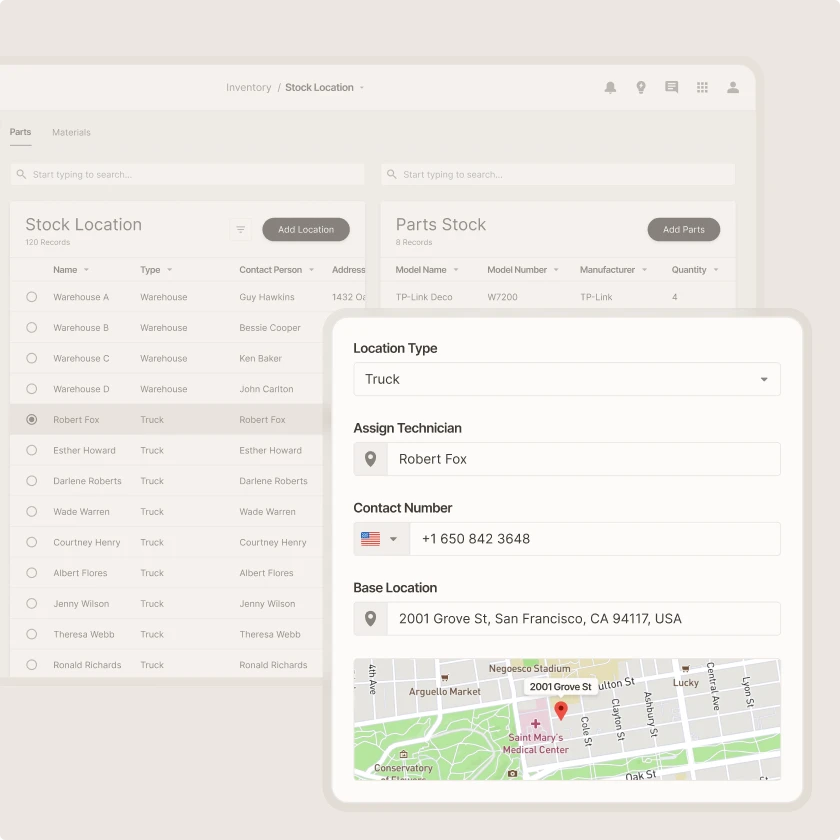
Manage stock locations
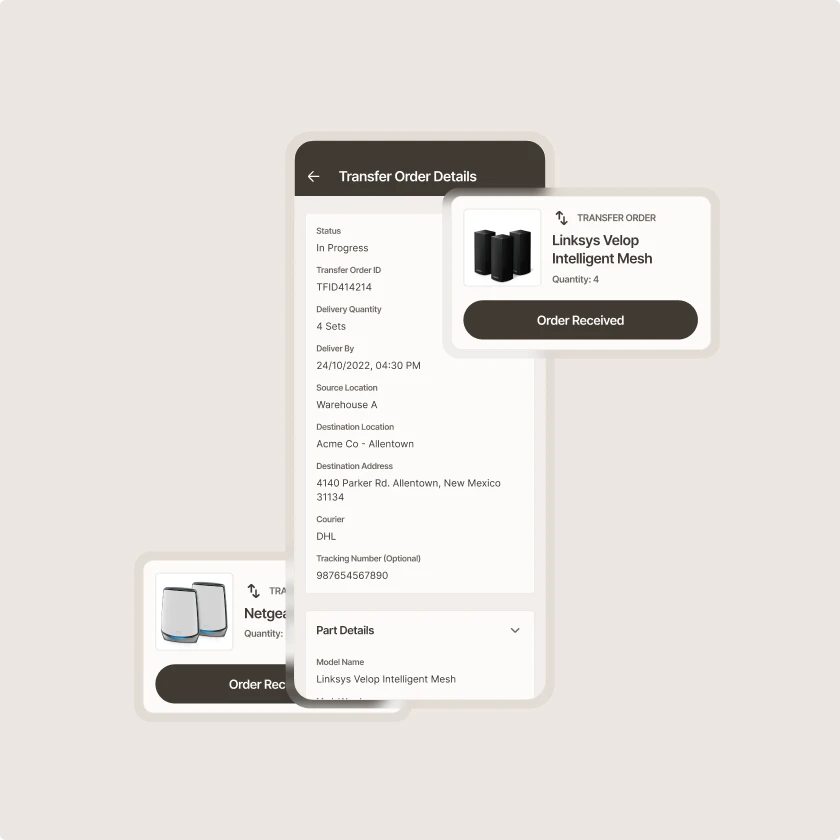
View parts at stock locations, transfer parts between stock locations and between warehouses and trucks, and link trucks to technicians.
Parts & Inventory
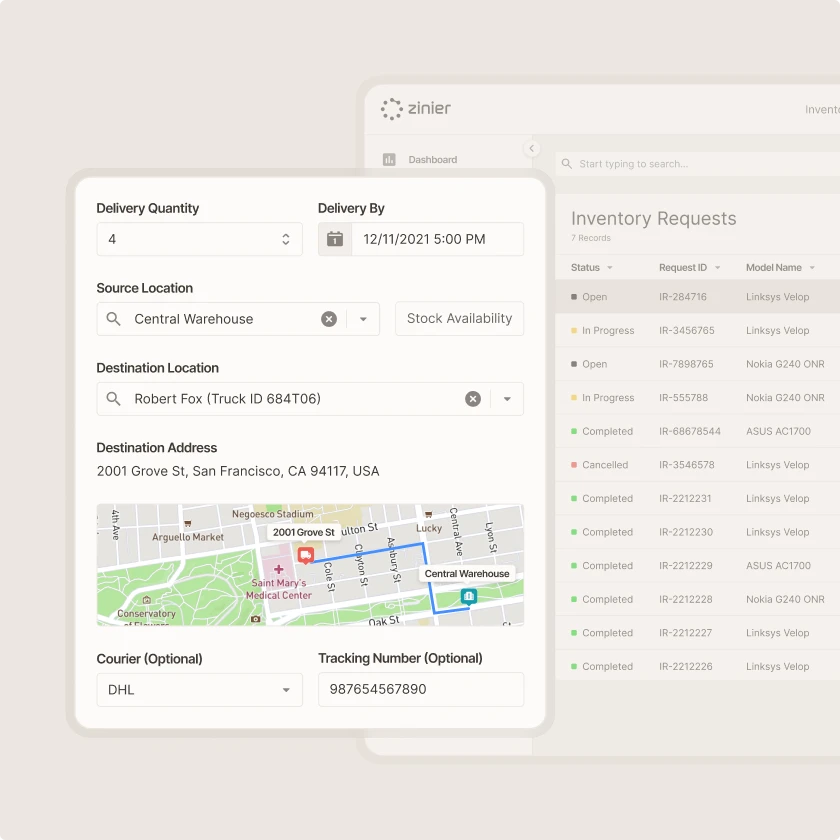
Track and manage parts consumption
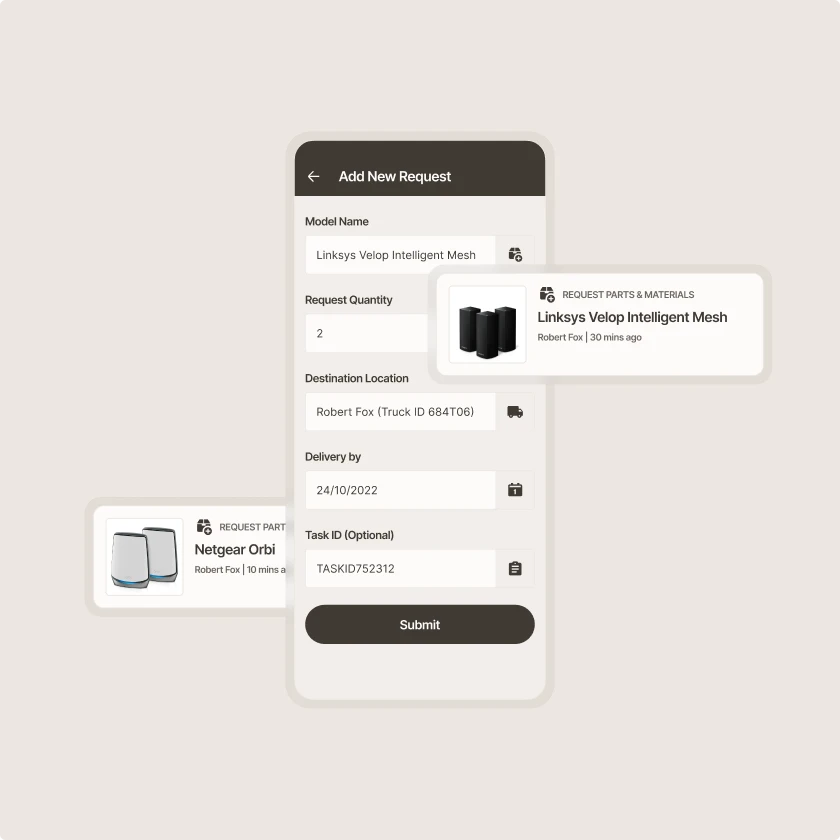
Link parts to tasks and track actual parts quantities so that end customers can be properly billed. Request parts and materials as inventory reserves deplete, or as needed for upcoming work orders.
Parts & inventory
Not just for the back office
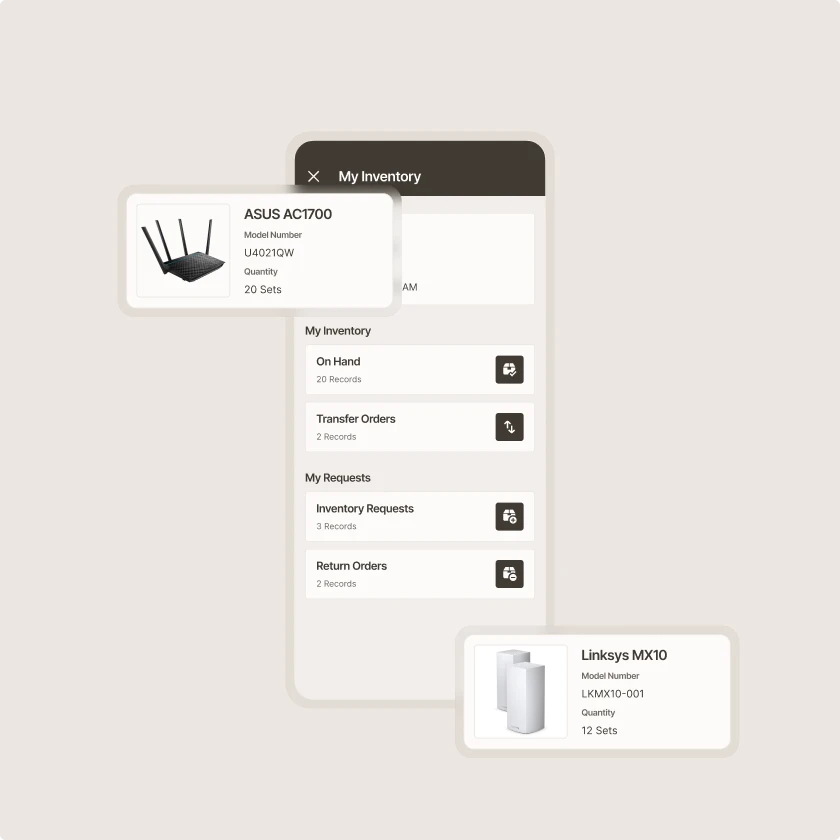
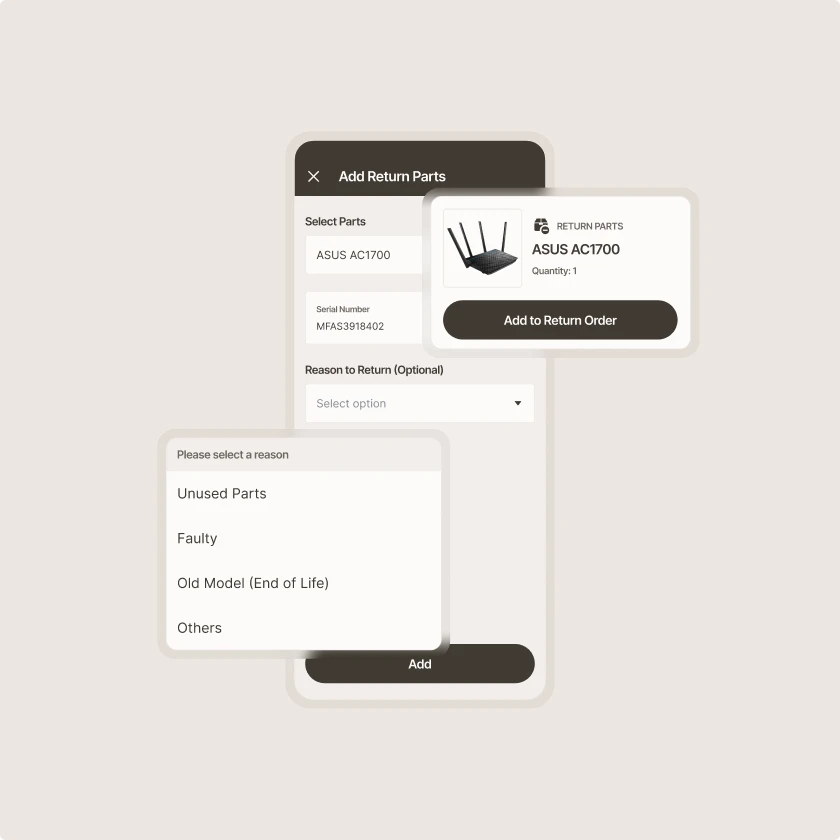
Enable technicians to take ownership of the parts they need to execute in the field
Zinier comparison
Most FSM software was built for a world where change was slow.
Zinier FSM thrives on change. Adapting to the way you work today and evolving to meet the challenges you’ll face tomorrow. Your operations, your rules.
Zinier FSM platform | Most field service software | |
Configuration | Operations teams configure, no code, no delay. | IT or consultants required for every change. |
Deployment | Live in weeks. Continuous improvement built in. | 12–24 months. Long upgrade cycles. |
AI capability | Configurable AI baked in, understands FSM. | Generic AI bolted on, not field-specific. |
Adaptability | Low-code/no-code. Evolves as your business does. | Rigid. Change means cost, delay and disruption. |
Integration | Low-code/no-code. Evolves as your business does. | Rigid. Change means cost, delay and disruption. |
Contractor management | Full governance and control at scale. | Manual coordination. Limited visibility. |
Mobile experience | Mobile-first. Guided workflows, real-time data. | Basic apps. Poor offline capability. |
Scalability | Cloud-native. Scales without replatforming. | Replatforming required as you grow. |



Tomorrow won't look like today
Get a field service management platform that evolves as you do.



Explore other Core modules


FAQs
Frequently asked questions
Zinier FSM records the parts used on every job, giving planners an accurate picture of stock levels and usage rates. Upcoming work orders show what will be needed next. With that information, field service inventory management teams can reorder or move stock before it runs out.
Yes. Zinier FSM's mobile-first interface lets field technicians check what's in their van, see what's held at nearby locations, and record parts used on each job. Parts consumed on site are logged against the work order, so stock records stay current without separate paperwork.
Each work order in Zinier FSM can list the parts a job is expected to need. The system checks that list against stock held in warehouses and technician vans before the job is scheduled. If a part isn't available, planners can reserve it, move it, or reschedule the job. This joins work order and inventory management in one place.
Parts inventory management software tracks the spare parts and materials a field service team uses. It records what stock is held, where it's held, and how it moves between warehouses, vans, and job sites. Zinier FSM's parts inventory management ties stock records to work orders, so teams know what's available before dispatching a technician.