Chat
The all-in-one chat app for the field
A unified web and mobile chat experience that enables technicians to get the real-time support they need to maximize field productivity.
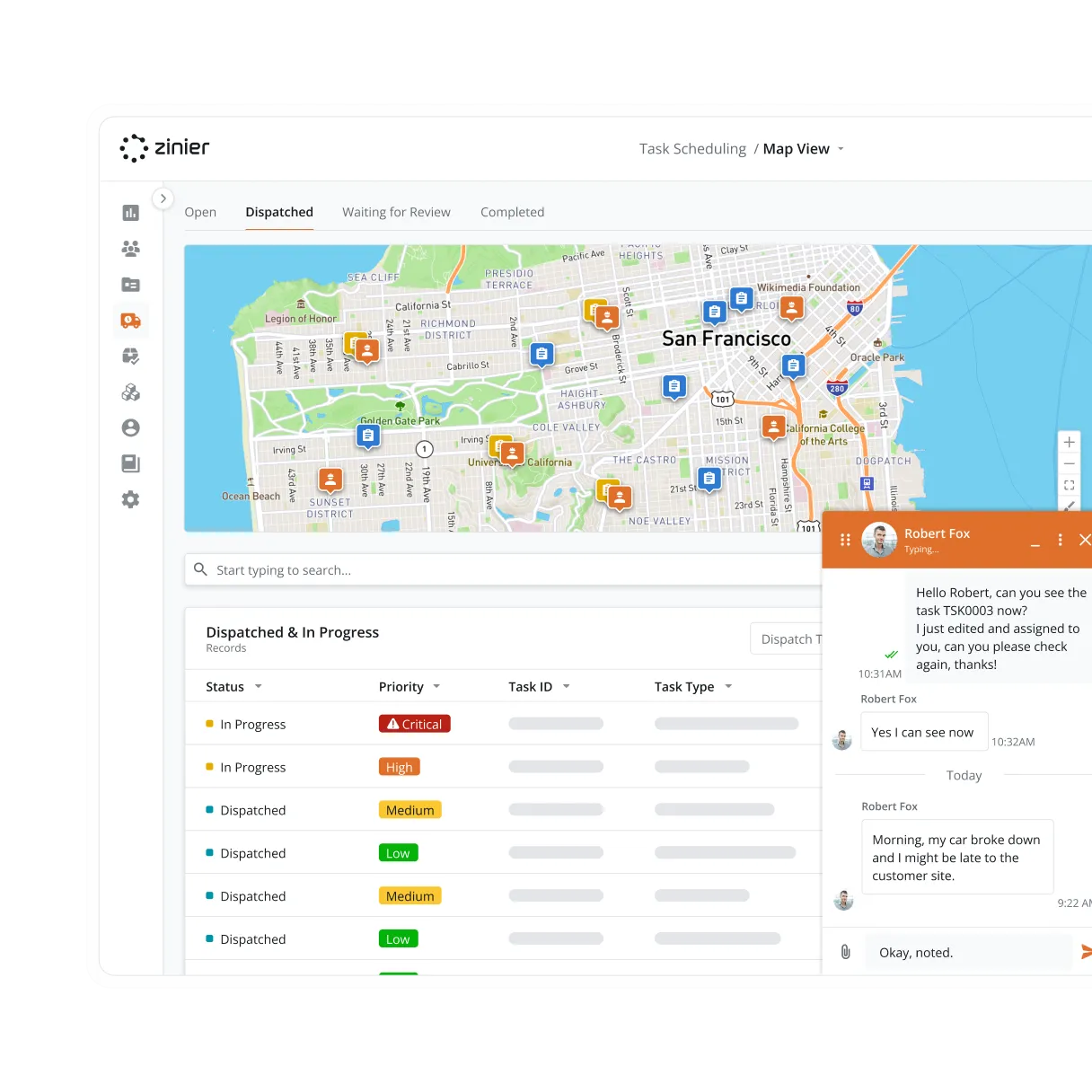



Chat
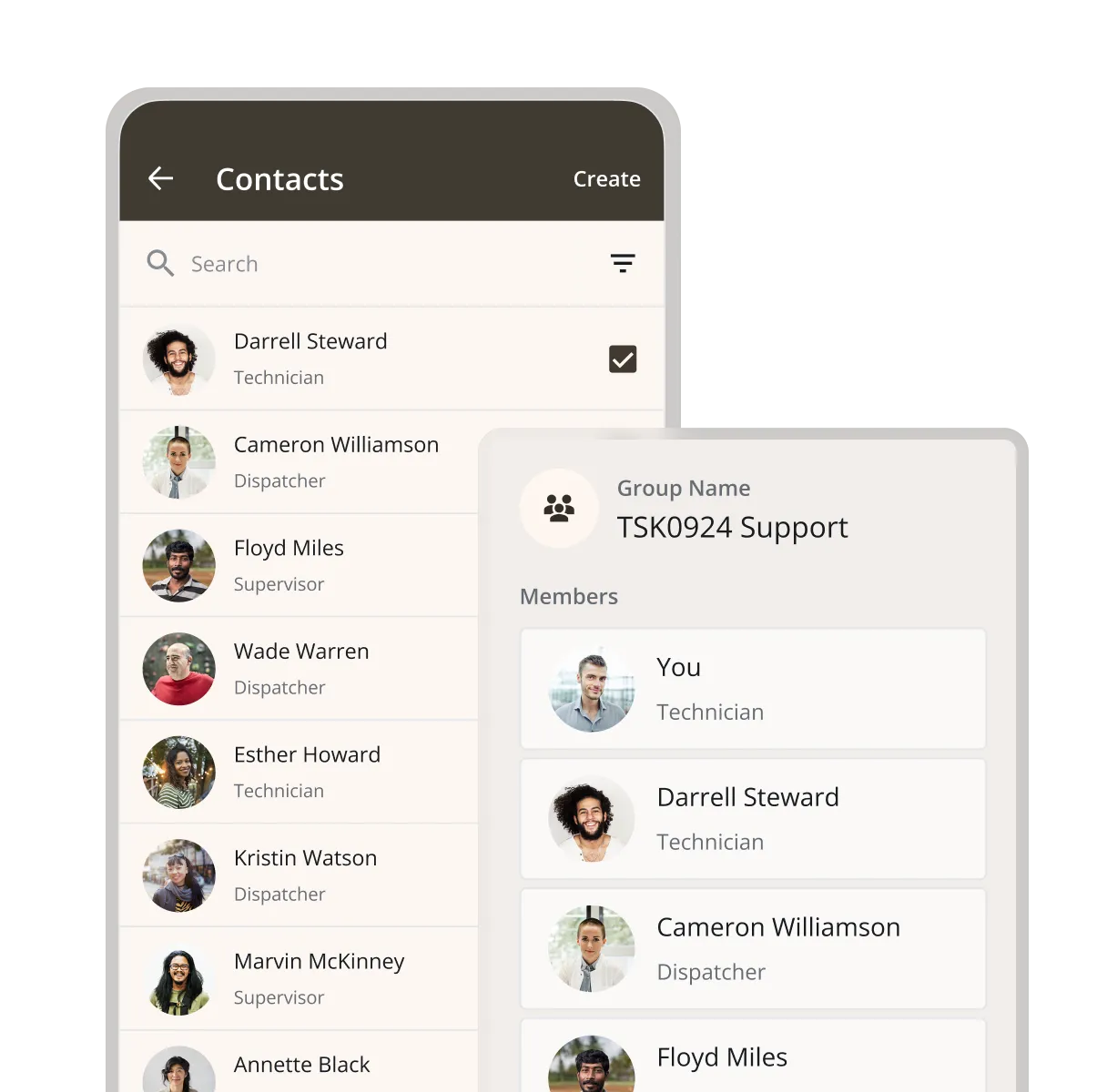
Manage contacts and chat groups
Both technicians and the backoffice can view and search their organization’s contact list to quickly find the right chat targets.
Chat
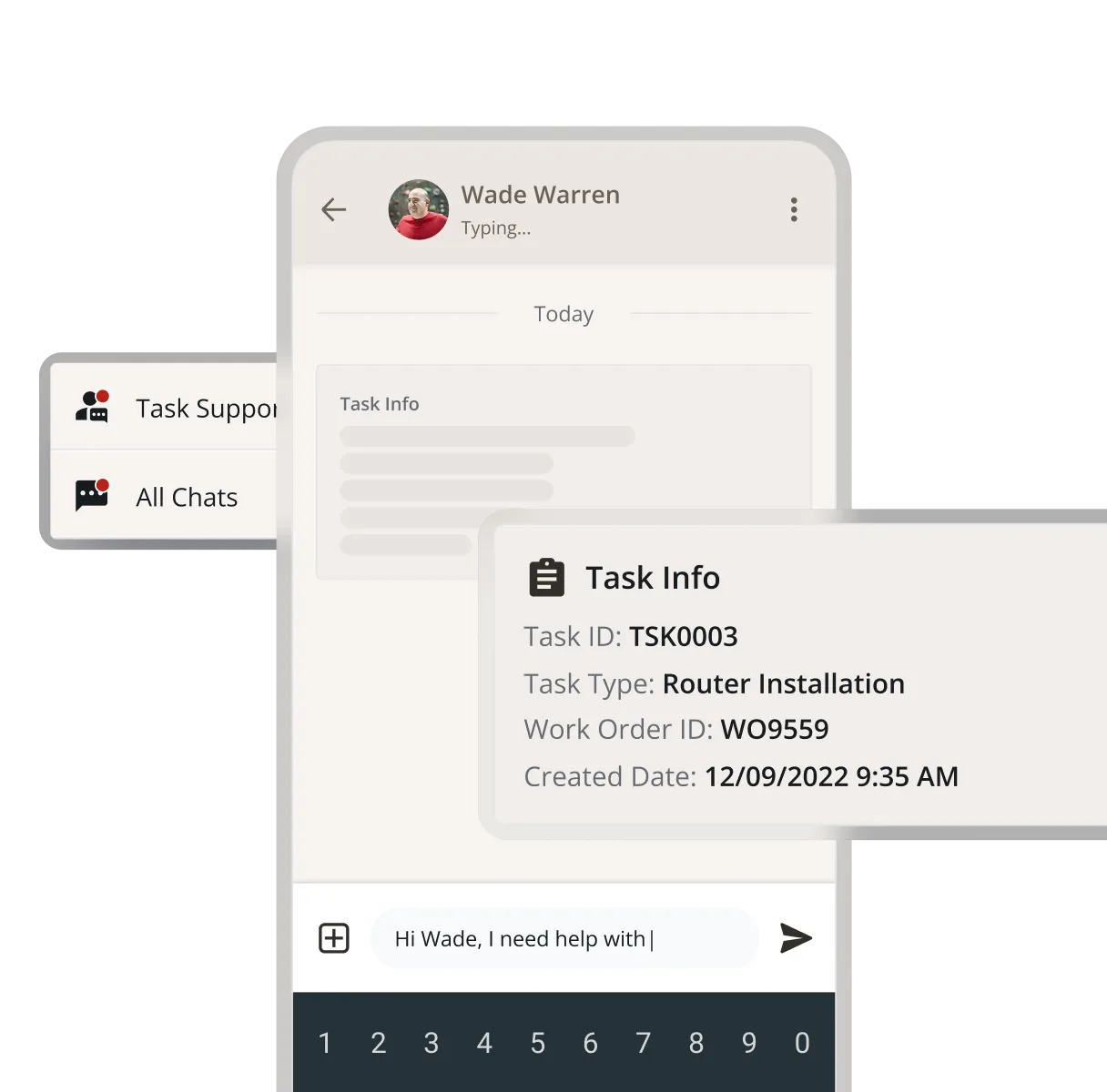
Chat in context
Technicians can launch chat from the context of their task or work order and automatically capture the task information (TASK ID) in the chat. This helps immediately set the right context for their communication with other members of the team.
Chat
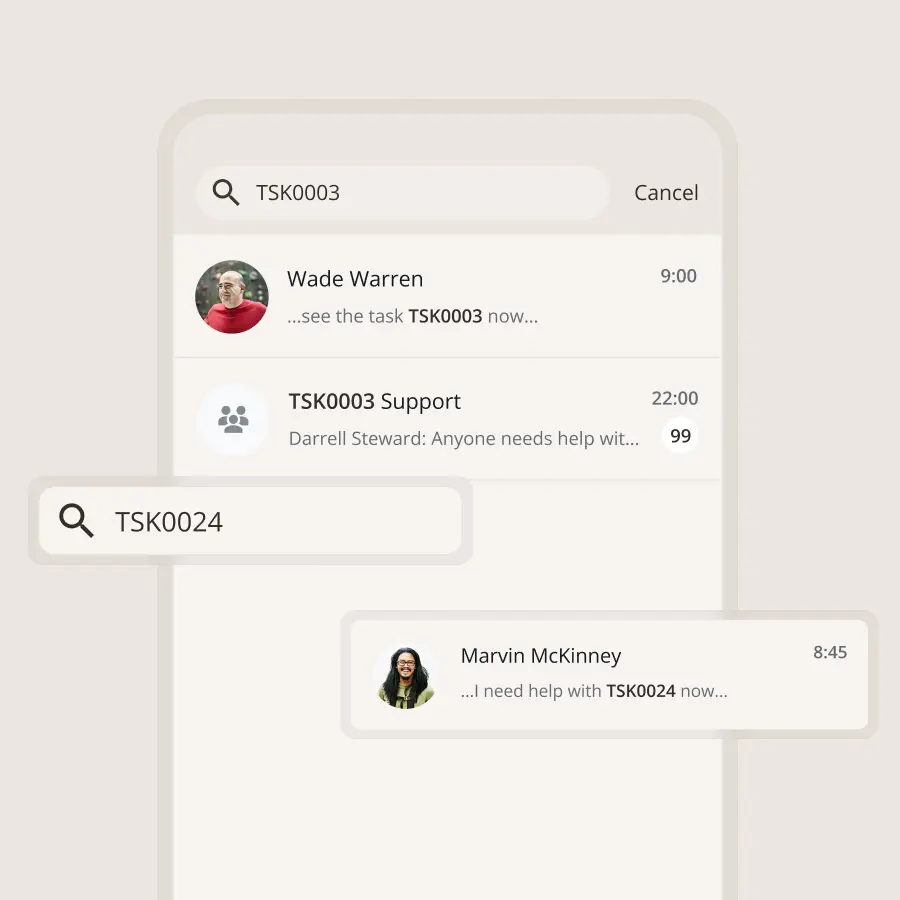
View chat history
Users can view all chat history to quickly find the information they need. In addition, users can also search conversations to find specific information across messages.
Zinier comparison
Most FSM software was built for a world where change was slow.
Zinier FSM thrives on change. Adapting to the way you work today and evolving to meet the challenges you’ll face tomorrow. Your operations, your rules.
Zinier FSM platform | Most field service software | |
Configuration | Operations teams configure, no code, no delay. | IT or consultants required for every change. |
Deployment | Live in weeks. Continuous improvement built in. | 12–24 months. Long upgrade cycles. |
AI capability | Configurable AI baked in, understands FSM. | Generic AI bolted on, not field-specific. |
Adaptability | Low-code/no-code. Evolves as your business does. | Rigid. Change means cost, delay and disruption. |
Integration | Low-code/no-code. Evolves as your business does. | Rigid. Change means cost, delay and disruption. |
Contractor management | Full governance and control at scale. | Manual coordination. Limited visibility. |
Mobile experience | Mobile-first. Guided workflows, real-time data. | Basic apps. Poor offline capability. |
Scalability | Cloud-native. Scales without replatforming. | Replatforming required as you grow. |



Tomorrow won't look like today
Get a field service management platform that evolves as you do.



Explore other Core modules


FAQs
Frequently asked questions
Yes. Chat is part of Zinier FSM's mobile app, so technicians can send and receive messages from the job site. Zinier FSM's field experience is mobile-first, which means chat sits alongside the job details, forms, and parts information technicians already use during the day. If a technician is working in a remote or enclosed location without connectivity, Chat will resync the next time they have an internet connection.
Yes. Dispatchers and technicians can message each other directly in Chat. Dispatchers can share schedule changes or job updates, and technicians can report delays, ask questions, or confirm details. Keeping these messages in the platform means they're recorded alongside the job instead of scattered across phone calls and personal messaging apps.
When a technician runs into a problem on site, chat gives them a quick way to ask a supervisor or specialist for help. They can describe the issue and share photos while still at the job. If the problem needs more than a message, the conversation can move to Remote Assist for guided help from a subject matter expert.
Chat lets people working on field service jobs message each other inside Zinier FSM. Technicians, dispatchers, and supervisors can discuss a job, share photos, and resolve questions without switching to a separate messaging app. Conversations can be linked to the relevant work order, so the context stays with the job.