Mobile Task Execution
Built for the field workforce
The Zinier Mobile Task app is designed to provide a seamless experience for technicians, helping them execute in the field.
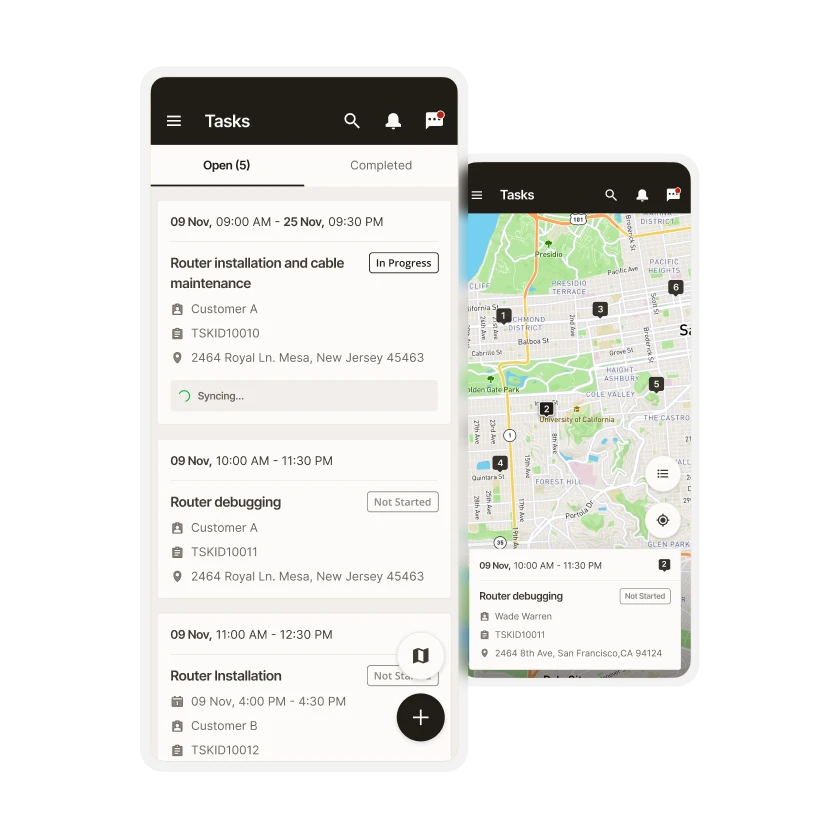



Mobile Task Execution
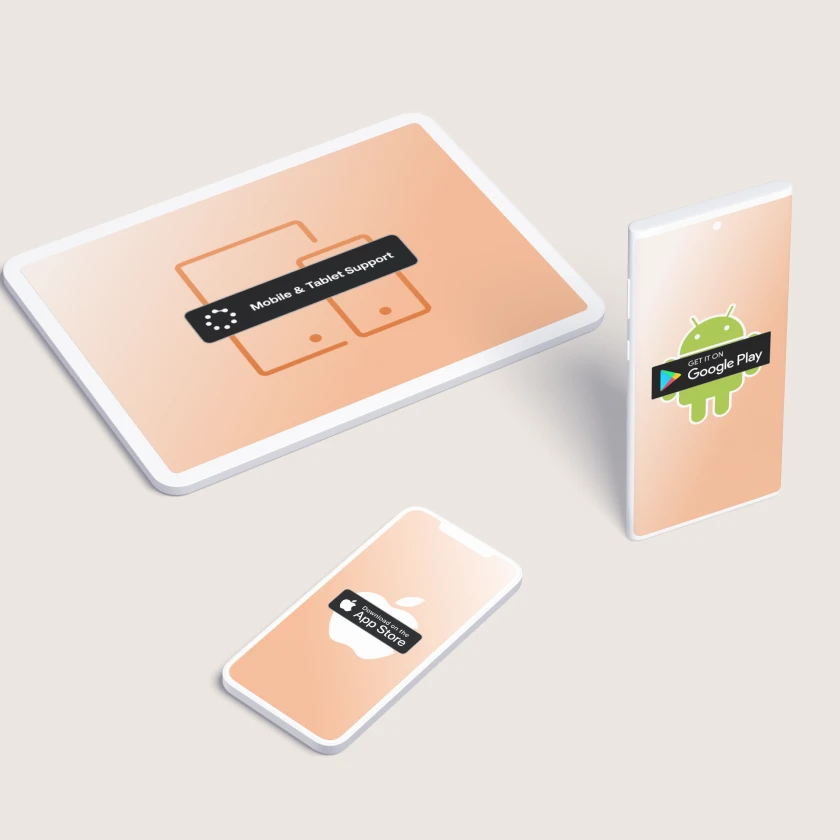
Native Android / iOS support
Our mobile app supports both Android and iOS on mobile and tablet devices.
Mobile Task Execution
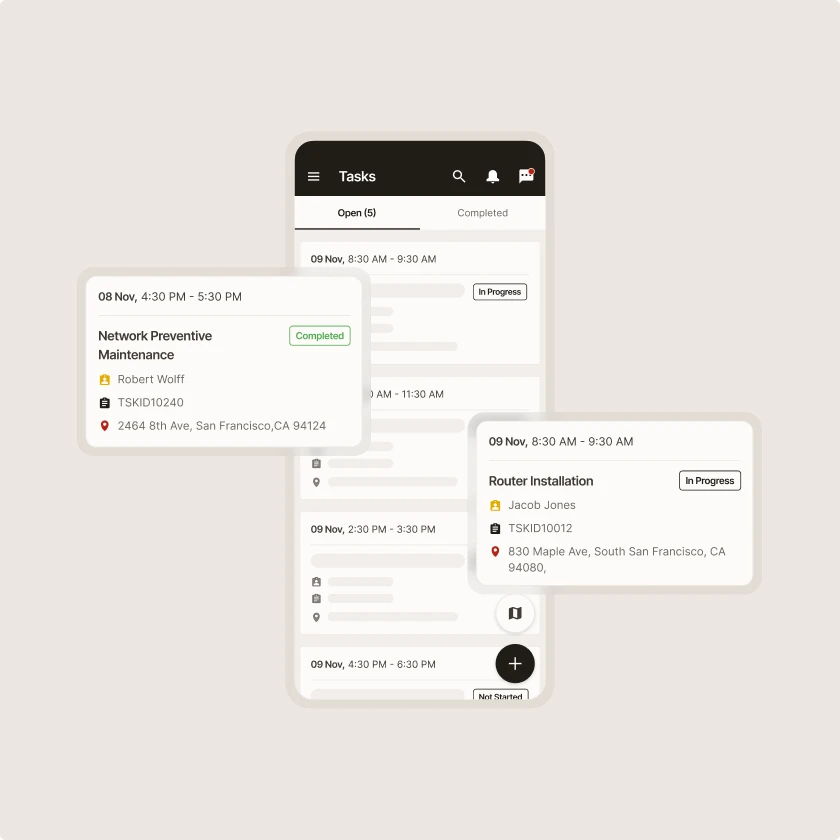
No-code customizable mobile workflows
Ensure that every technician, regardless of experience, has the right workflow for every task, every day.
Mobile Task Execution
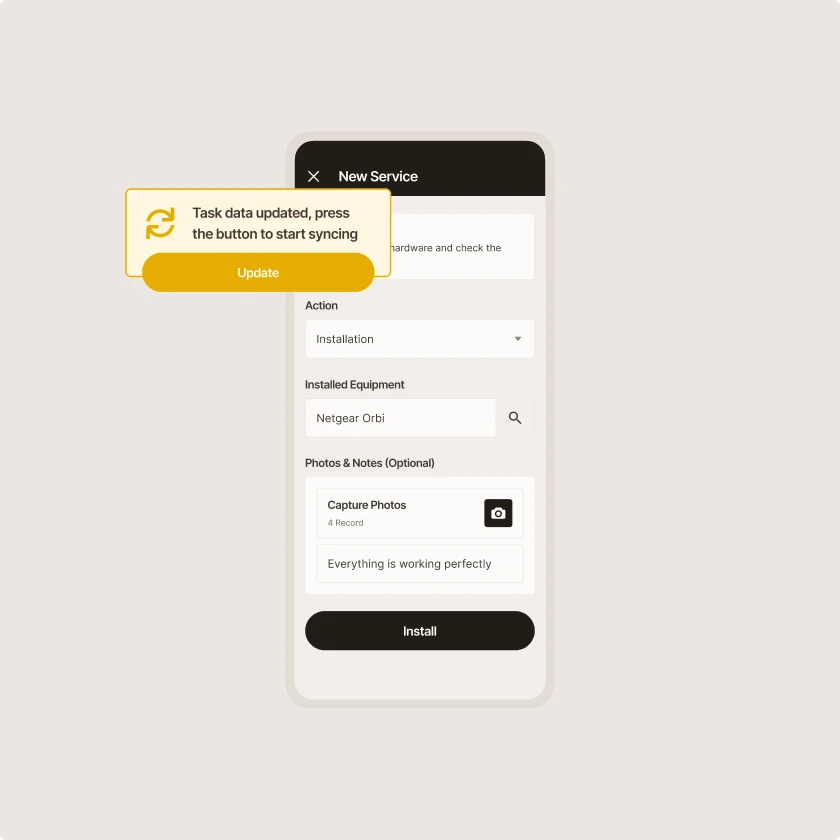
Online & offline support
The Zinier mobile app offers online/offline support for task execution, including intermittent data synchronization with the backoffice.
Mobile Task Execution
Push notifications
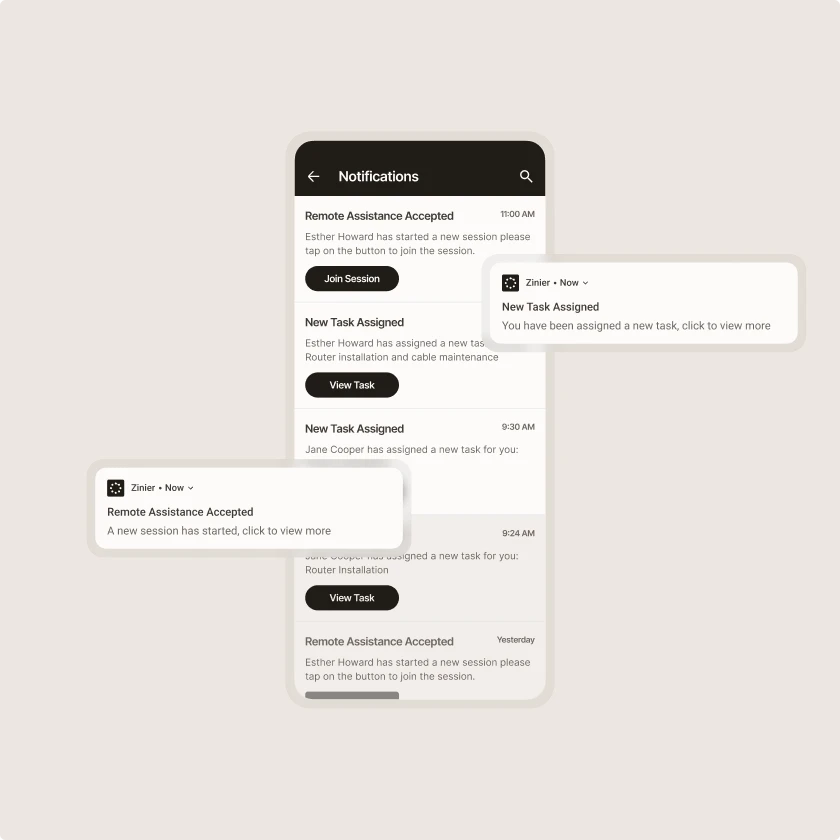
The Zinier platform uses push notifications to inform technicians of relevant updates from the back office, such as new tasks assigned to them or changes to their schedule.
Zinier comparison
Most FSM software was built for a world where change was slow.
Zinier FSM thrives on change. Adapting to the way you work today and evolving to meet the challenges you’ll face tomorrow. Your operations, your rules.
Zinier FSM platform | Most field service software | |
Configuration | Operations teams configure, no code, no delay. | IT or consultants required for every change. |
Deployment | Live in weeks. Continuous improvement built in. | 12–24 months. Long upgrade cycles. |
AI capability | Configurable AI baked in, understands FSM. | Generic AI bolted on, not field-specific. |
Adaptability | Low-code/no-code. Evolves as your business does. | Rigid. Change means cost, delay and disruption. |
Integration | Low-code/no-code. Evolves as your business does. | Rigid. Change means cost, delay and disruption. |
Contractor management | Full governance and control at scale. | Manual coordination. Limited visibility. |
Mobile experience | Mobile-first. Guided workflows, real-time data. | Basic apps. Poor offline capability. |
Scalability | Cloud-native. Scales without replatforming. | Replatforming required as you grow. |



Tomorrow won't look like today
Get a field service management platform that evolves as you do.



Explore other Core modules


FAQs
Frequently asked questions
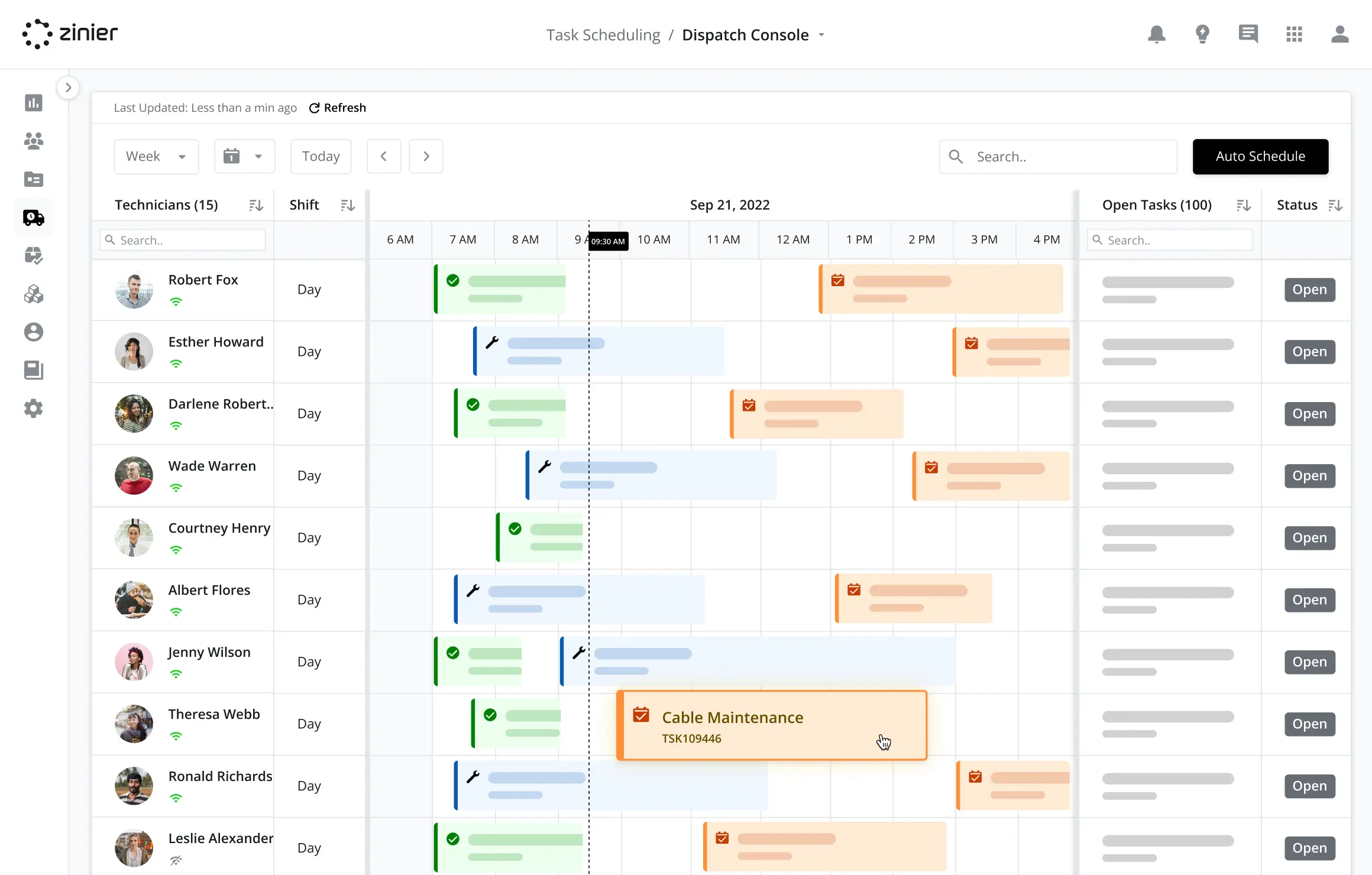
Zinier FSM is designed for organizations with many technicians spread across regions, including mixed teams of employees and contractors. Scheduling, capacity planning, and mobile tools share the same platform, so managers can see work and availability across every team. Studio lets each region configure its own processes while staying on a single field workforce management system.
Yes. Technicians often work in basements, on rural sites, and on remote infrastructure where mobile connectivity is limited or absent. Zinier FSM's mobile app lets them view jobs, complete forms, and record work without an internet connection. Data is stored on the device and syncs automatically once the connection returns.
From Zinier FSM's field service mobile app, technicians can see their schedule and job details, navigate to sites, and view asset history. They can complete forms, checklists, and audits, log parts and time, and capture photos and signatures. They can also chat with dispatchers and access remote assistance via video call and screen sharing if they need help.
Mobile workforce management software helps organizations run teams that work away from a fixed site. It connects field technicians with the office, covering job assignments, schedules, forms, parts, and communication. The mobile workforce management module in Zinier FSM gives each technician everything they need on a phone or tablet and gives dispatchers and managers a live view of work in progress.